

 StarTech.com
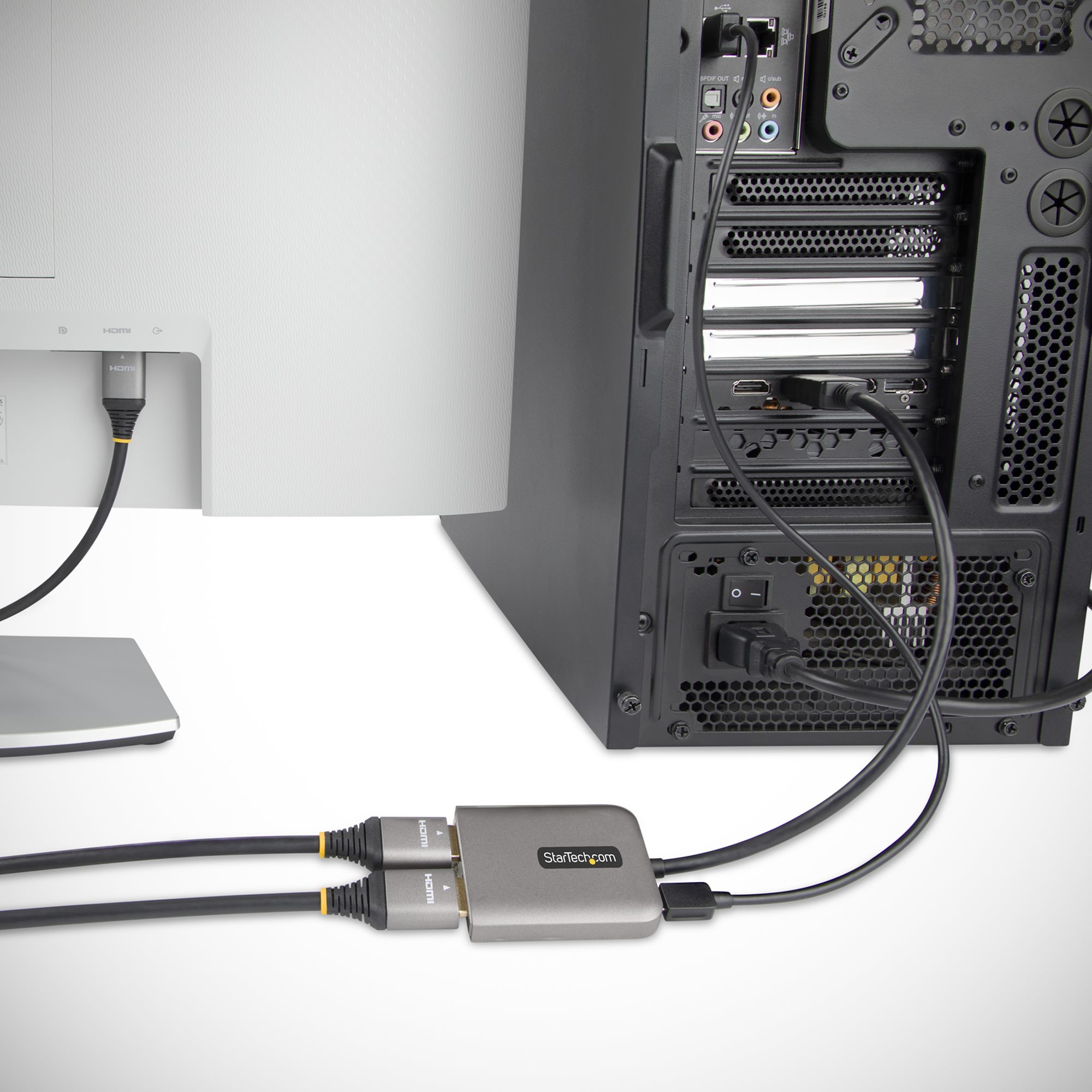
Startech DP to Dual HDMI MST Hub

Expand your workspace efficiently with the StarTech DP to Dual HDMI MST Hub. This hub transforms a single DisplayPort output into two independent HDMI displays, supporting crisp dual 4K resolution at 60Hz. It leverages DP 1.4 standards for a robust 32.4Gbps bandwidth, offering enhanced visuals with HDR and clear 7.1 channel audio passthrough. Setup is driverless and simple, ideal for users with major video card brands running Windows. The compact unit includes a 1ft (30cm) cable for immediate use, making it a convenient solution for multitasking.
$37.05
Owner Satisfaction
4.0
/ 5
Category Rank
2315
/ 2584
#2315 in Audio & Video Cable Adapters & Couplers
Price vs Category Average
-52%
Below average
Device Type
Video/audio Splitter
/ Video/audio Splitter
Who it's for
- Enhanced Productivity via Extended Desktop
- Universal HDMI Compatibility
- Plug-and-Play and Portable Design
Who should skip it
- Operating System and Hardware Dependency
- Shared Bandwidth Limits Resolution
- Higher Cost Compared to Simple Splitters
Key Specs
Device Type
Video/audio Splitter
Connections
1 - DisplayPort input; 2 - HDMI outputs
Maximum Resolution
4K 60Hz
Maximum Bandwidth
32.4 Gbps
Dimensions
Width: 4.1 Inch, Depth: 1.7 Inch, Height: 0.6 Inch
Audio Support
7.1 channel Audio
Warranty
3 Years Service & Support
Model Number
MST14DP122HD
Features
- Drives dual 4K displays at 60Hz
- Supports DP 1.4 and high bandwidth
- Passes through HDR and 7.1ch audio
- Driverless setup for quick installation
- Compatible with major video card brands
- Includes necessary 1ft connection cable
- Optimized for Windows operating systems
- Supports 1080p resolution fallback
What customers say
This MST hub is highly praised for effectively expanding desktop space, delivering true dual extended displays from one DisplayPort. Users appreciate the simple plug and play setup and the robust build quality when integration is seamless with modern systems. Performance driving dual 1080p or 4K screens significantly boosts productivity for those who achieve flawless functionality, making it a great value alternative to docks. However, sentiment is polarized due to inherent compatibility challenges. A notable number of users report frustration with setup failures, flickering, or resolution limits, often linked to specific GPU generations or driver issues. Success heavily depends on careful system compatibility checks.

Still have a question?
Ask Hayley anything about this product before you decide.