


 Logitech
Logitech G203 LIGHTSYNC Gaming Mouse
Best entry-level gaming mouse for budget-conscious PC players.

Elevate your gaming experience with the Logitech G203 LIGHTSYNC Gaming Mouse. Featuring a classic 6-button design and a gaming-grade sensor, it offers precise tracking with adjustable DPI up to 8000. Customize vibrant LIGHTSYNC RGB lighting across three zones to match your style or in-game action. The reliable, tried-and-true design ensures comfort and performance, while the metal spring button tensioning provides crisp, consistent clicks. Personalize settings and lighting easily with the Logitech G HUB software. This mouse is designed for desktop PCs and supports Windows, Chrome OS, and Mac.
$24.99
More Logitech G Options
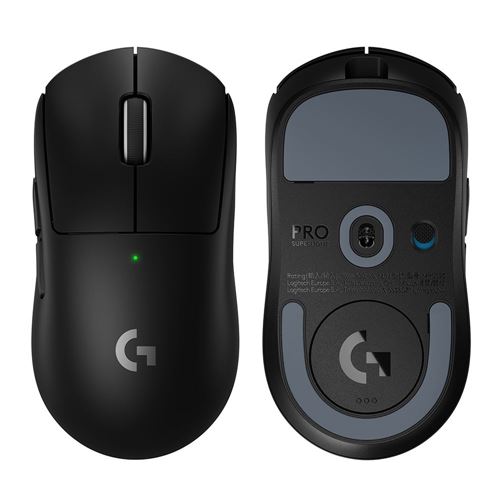
Logitech G PRO X SUPERLIGHT 2 SE
$103.48
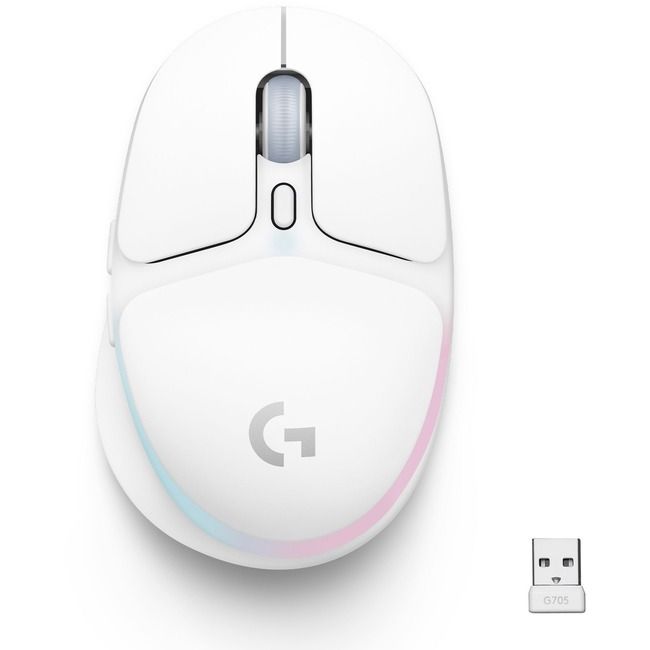
Logitech G705 Wireless Gaming Mouse
$99.99
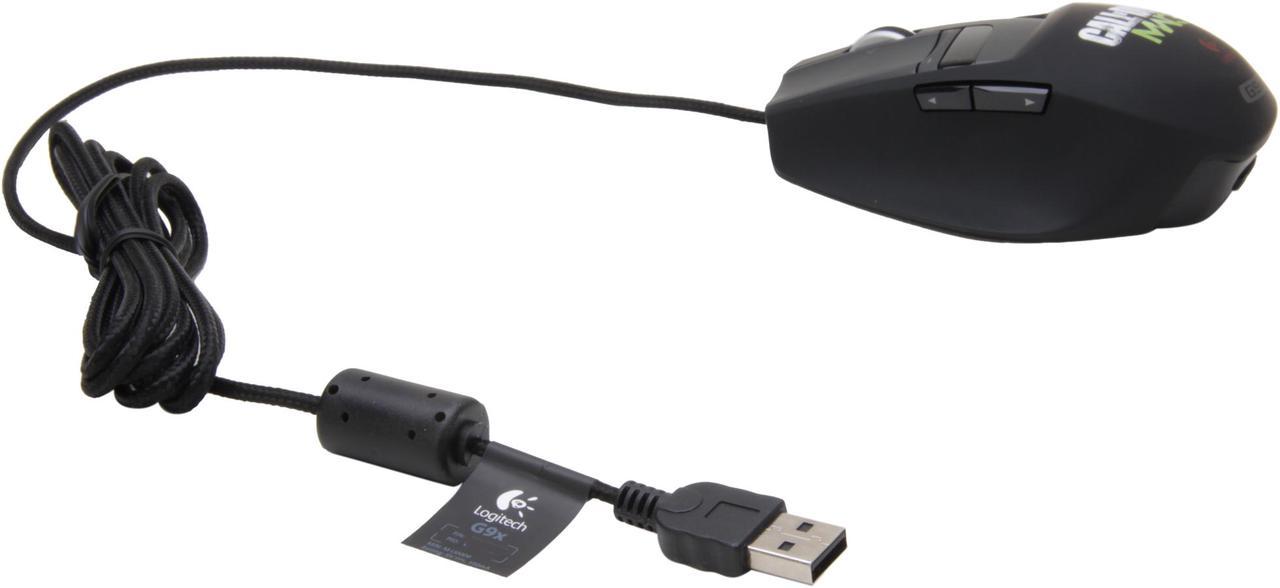
Logitech G9x Call of Duty: MW3 Edition
$99.99
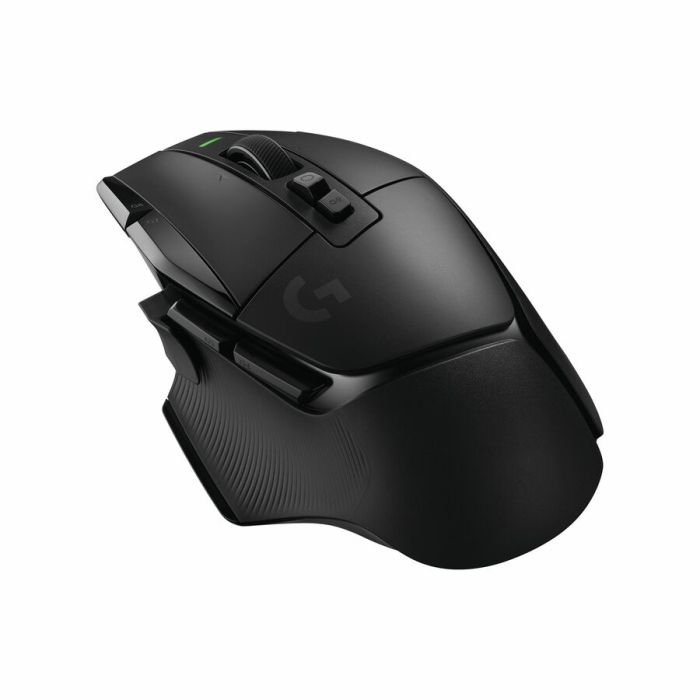
Logitech G502 X PLUS LIGHTSPEED Wireless Gaming Mouse
$159.99
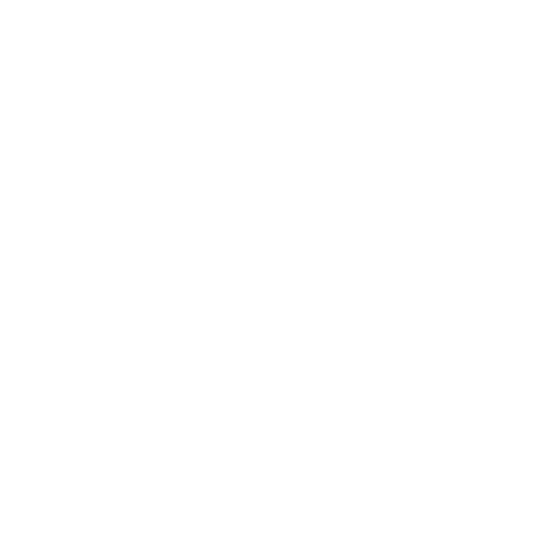
Logitech G705 Wireless Gaming Mouse
$59.99
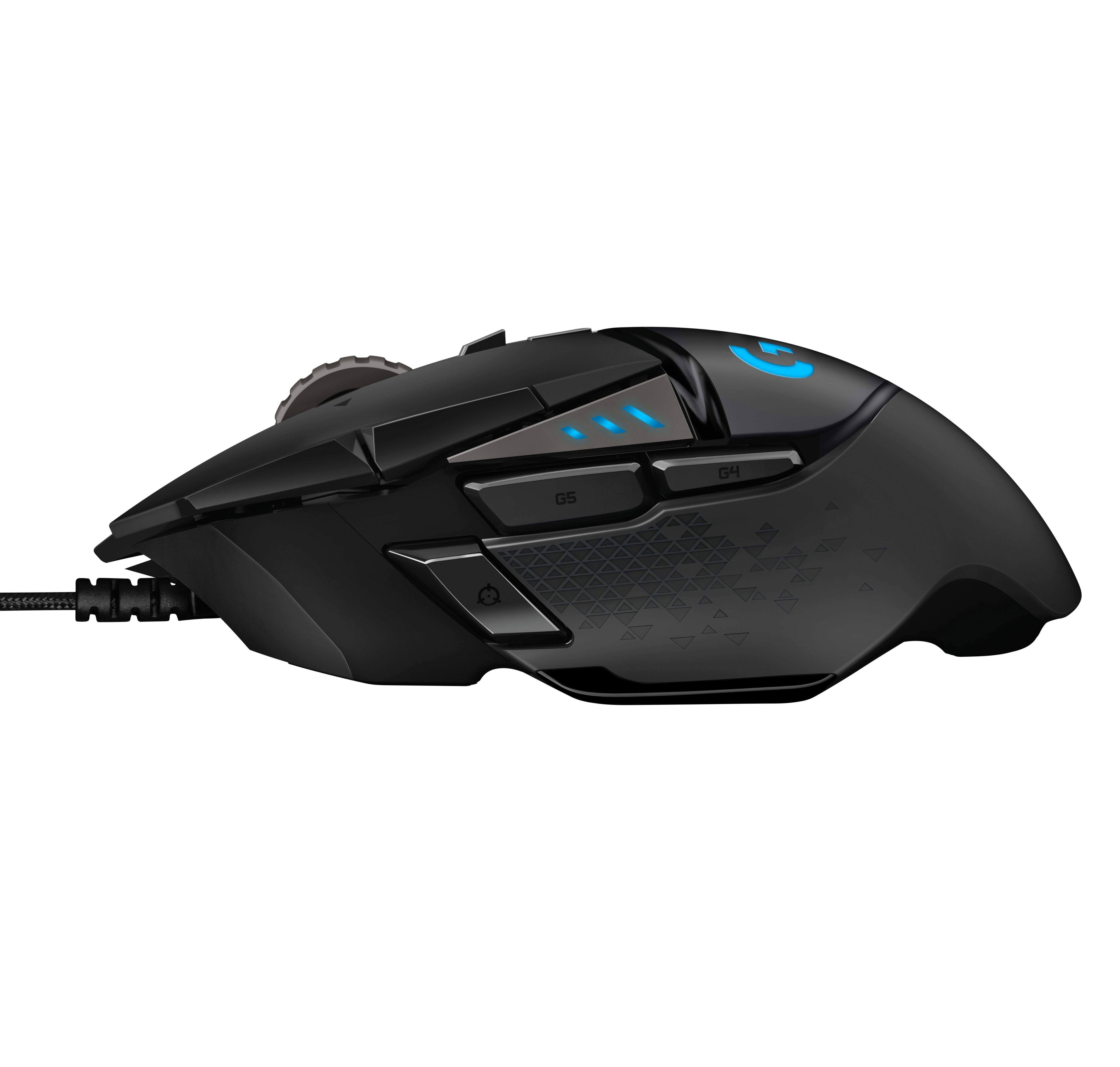
Logitech G502 SE HERO
$39.99
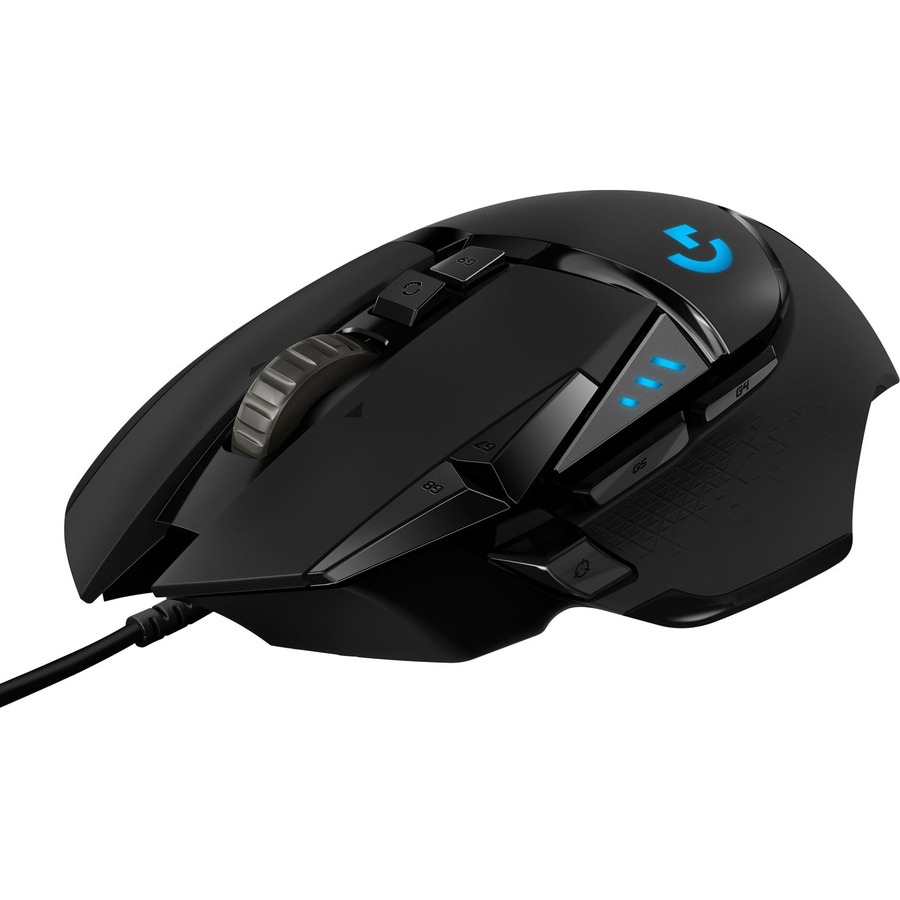
Logitech G305 Lightspeed, G502 Lightspeed, and G502 Hero Gaming Mouse Screw Set - Genuine
$49.99
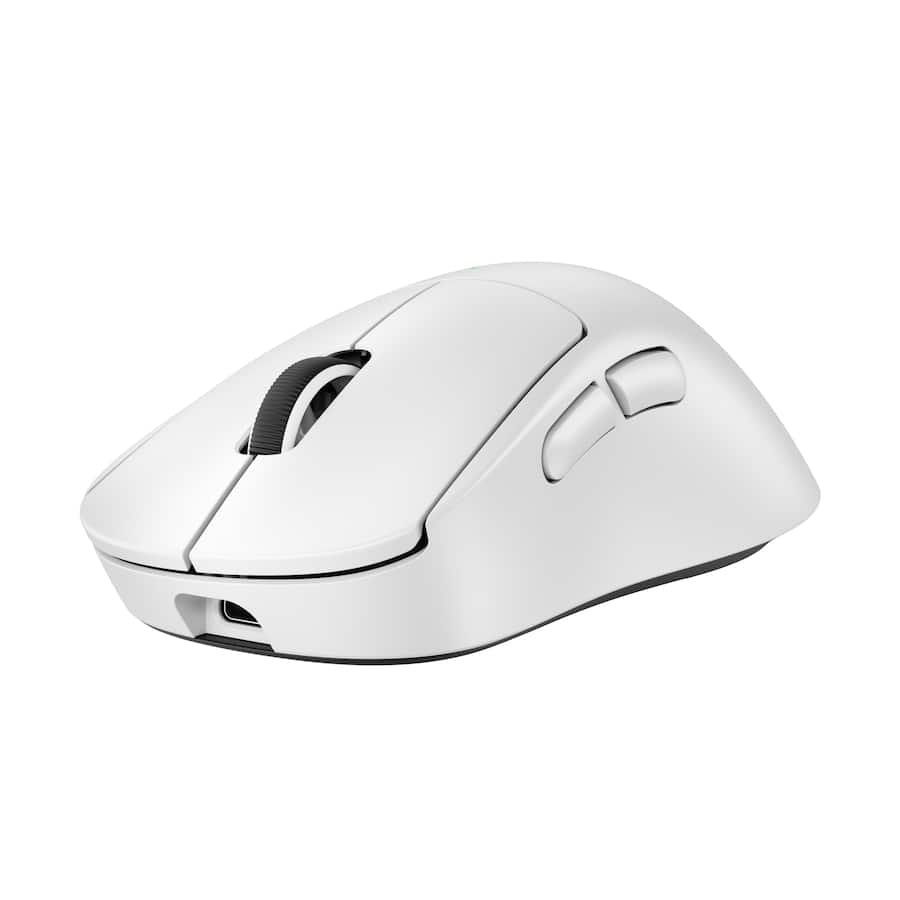
G Pro X Superlight 2
$149.99
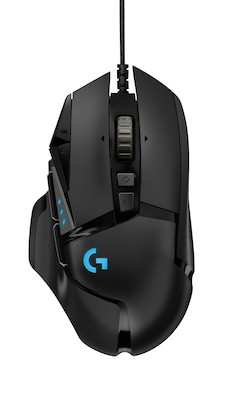
Logitech G502 HERO Ambidextrous Optical USB Gaming Mouse, Black
$72.49
Logitech G G502 LIGHTSPEED Wireless Gaming Mouse
$99.99
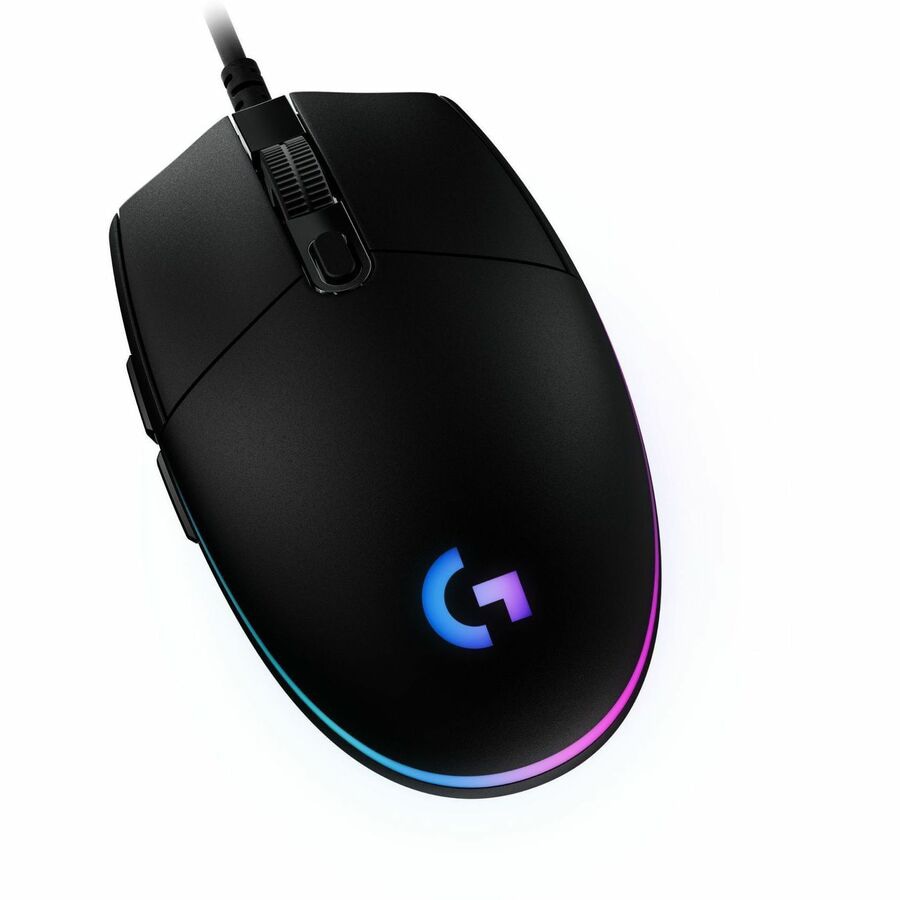
Logitech G G203 LIGHTSYNC Gaming Mouse
$25.99

Logitech G502 X Wired Gaming Mouse
$59.99
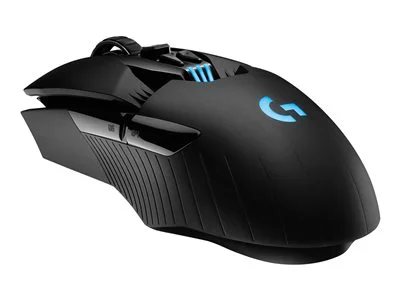
G903 Wireless Gaming Mouse
$104.04
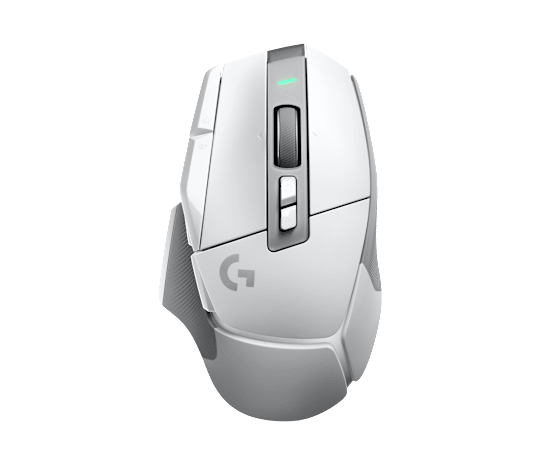
Logitech G G502 X LIGHTSPEED Wireless Gaming Mouse
$119.99

Logitech G402 Hyperion Fury FPS Gaming Mouse
$59.99

Logitech G PRO X SUPERLIGHT 2 SE
$360.30
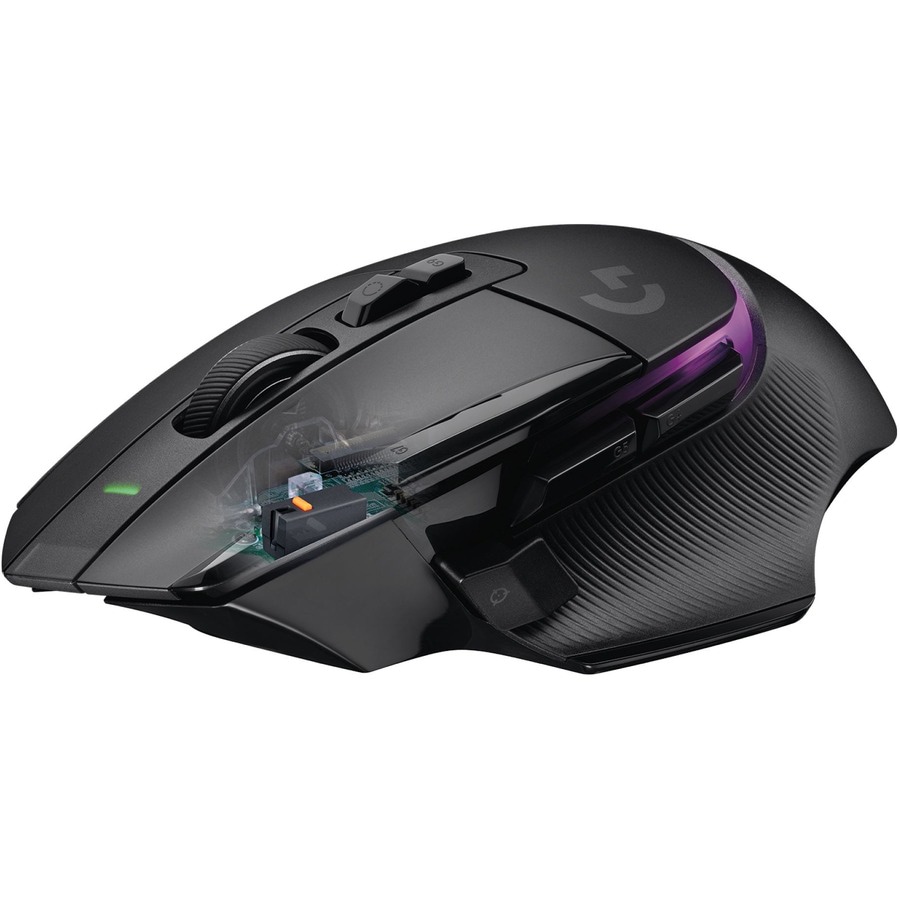
G502 X PLUS LIGHTSPEED Wireless Gaming Mouse
$179.99
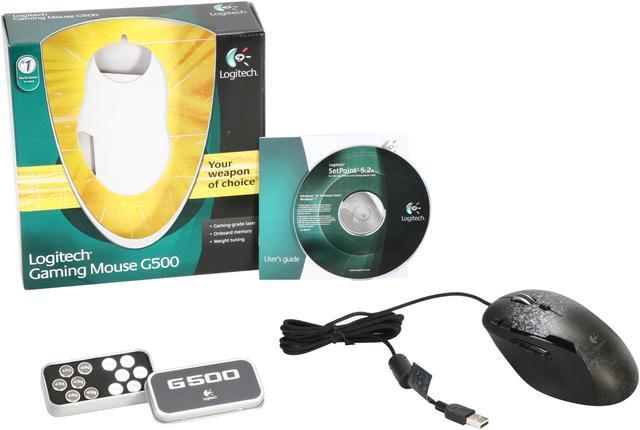
Logitech G500 Gaming Mouse
$59.99
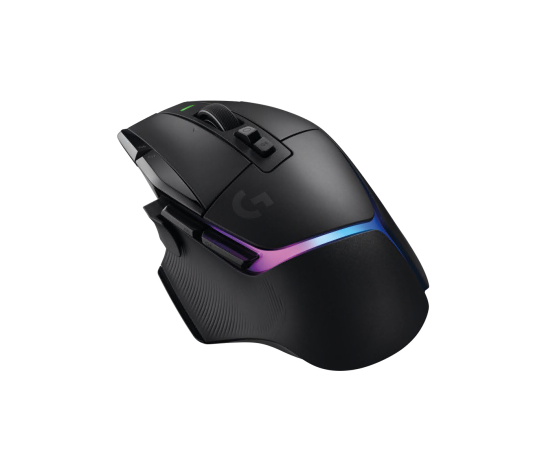
Refurbished G502 X Plus Wireless Gaming Mouse
$159.99
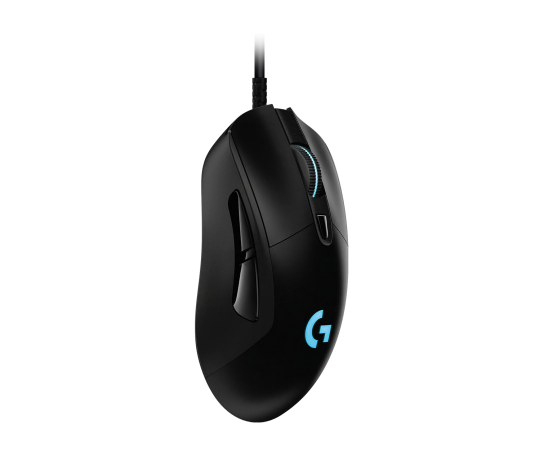
G403 Wired Gaming Mouse
$49.99
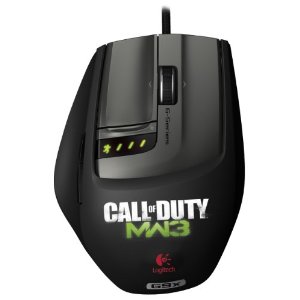
Logitech G9X Gaming Mouse
$42.95

Logitech G403 HERO Gaming Mouse
$49.99
Owner Satisfaction
4.6
/ 5
Category Rank
37
/ 1705
#37 in Mice & Trackballs
Price vs Category Average
-63%
Below average
Number of Total Buttons
6
Who it's for
- Competitive gamers seeking precision on a budget
- Claw and fingertip users preferring lightweight, compact mice
- Desktop enthusiasts wanting a unified, colorful aesthetic
Who should skip it
- Players sensitive to cable drag and friction
- Heavy users concerned about long-term switch reliability
- Power users requiring advanced customization and premium hardware
Performance breakdown
Tracking Precision
Gaming-grade sensor delivers reliable accuracy for competitive play.
Click Consistency
Metal spring tensioning provides a crisp, satisfying tactile response.
Software Customization
Logitech G HUB offers deep control over lighting and sensitivity.
Ergonomic Comfort
Classic shape remains comfortable during extended gaming sessions.
Lighting Versatility
Three-zone RGB lighting creates vibrant, highly personalized desktop aesthetics.
Build Durability
Solid construction that withstands daily wear despite its lightweight feel.
Key Specs
Number of Total Buttons
6
Pointing Device Connectivity Technology
Cable
Movement Resolution
8000 dpi
Pointing Device Host Interface
USB
Height
4.6"
Width
2.4"
Depth
1.5"
Weight (Approximate)
3 oz
Features
- Gaming-grade sensor for accurate tracking and responsive performance
- Adjustable DPI settings from 200-8,000 for on-the-fly sensitivity changes
- Classic 6-button design for intuitive gameplay
- LIGHTSYNC RGB lighting with 3 customizable zones
- Metal spring button tensioning for precise and consistent clicks
- Logitech G HUB software for easy customization of lighting, sensitivity, and button commands
- Classic, comfortable design suitable for various gaming styles
What customers say
Customers overwhelmingly view the Logitech G203 LIGHTSYNC as an exceptional value in budget gaming peripherals. The core praise centers on its reliable, accurate sensor and its classic, comfortable shell design, which accommodates various grip styles well. Reviewers appreciate the vibrant, customizable LIGHTSYNC RGB lighting as a significant aesthetic plus. While the mouse delivers performance often seen in pricier models, the main drawback noted is the stiffness of the rubber cable, which some users find restrictive. Despite minor long-term durability mentions, the G203 is celebrated as a highly reliable, feature-rich choice for entry-level gamers seeking quality without a high cost.
Know before you buy
Yes, the mouse is compatible with Windows, macOS, and Chrome OS. You can plug it into any standard USB port to begin using it immediately.
Yes, the G203 allows for on-the-fly sensitivity adjustments. You can cycle through your pre-configured DPI settings using the dedicated button located behind the scroll wheel.
The mouse is plug-and-play, so it will work immediately without extra software. However, you will need to download the Logitech G HUB software if you want to customize the RGB lighting, reassign button commands, or fine-tune your DPI levels.
The metal spring tensioning system is designed to make the left and right buttons feel more responsive and consistent. It reduces the amount of force needed to click and provides a crisp, tactile feedback that helps with rapid-fire actions.
The G203 features a compact, classic shape that is generally best suited for small to medium-sized hands. If you prefer a larger, ergonomic mouse for palm-gripping, you may find this model feels a bit small.
Yes, if you use other Logitech G devices, you can use the G HUB software to synchronize the LIGHTSYNC RGB effects across your entire setup for a cohesive look.

Still have a question?
Ask Hayley anything about this product before you decide.