

 MSI
MSI
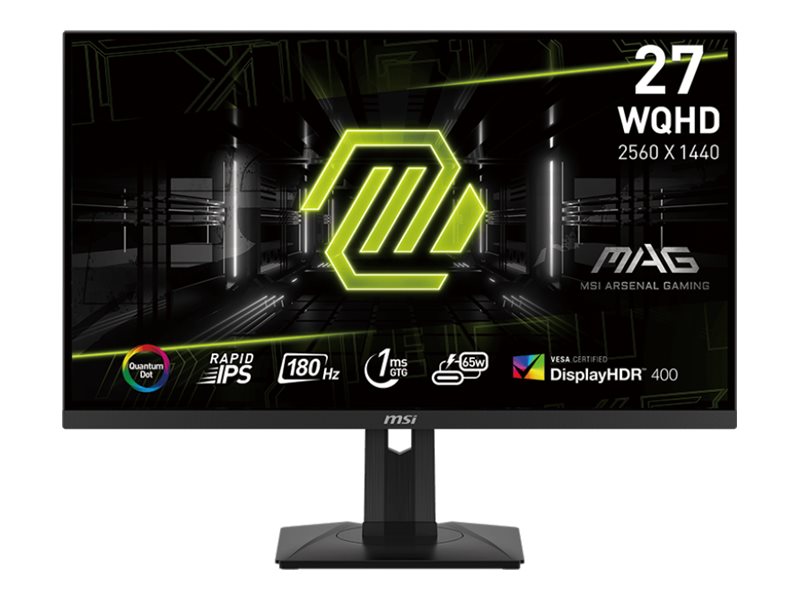
MSI MAG 274QRF QD E2 27" QHD 180Hz 1ms Quantum Dot Gaming Monitor
Best gaming monitor for players seeking vibrant colors and smooth motion.

Immerse yourself in stunning visuals with the MSI MAG 274QRF QD E2 gaming monitor. This 27-inch display boasts a QHD resolution and Quantum Dot technology for incredibly vibrant and rich colors. Experience ultra-smooth gameplay thanks to a blazing-fast 180Hz refresh rate and a 1ms response time, minimizing motion blur. HDR400 support enhances contrast and brightness, bringing your games to life. Versatile connectivity options, including USB-C, ensure seamless integration with your setup. Customers rave about the crisp image quality and significant visual improvements over older monitors.
$287.00
More MAG Options
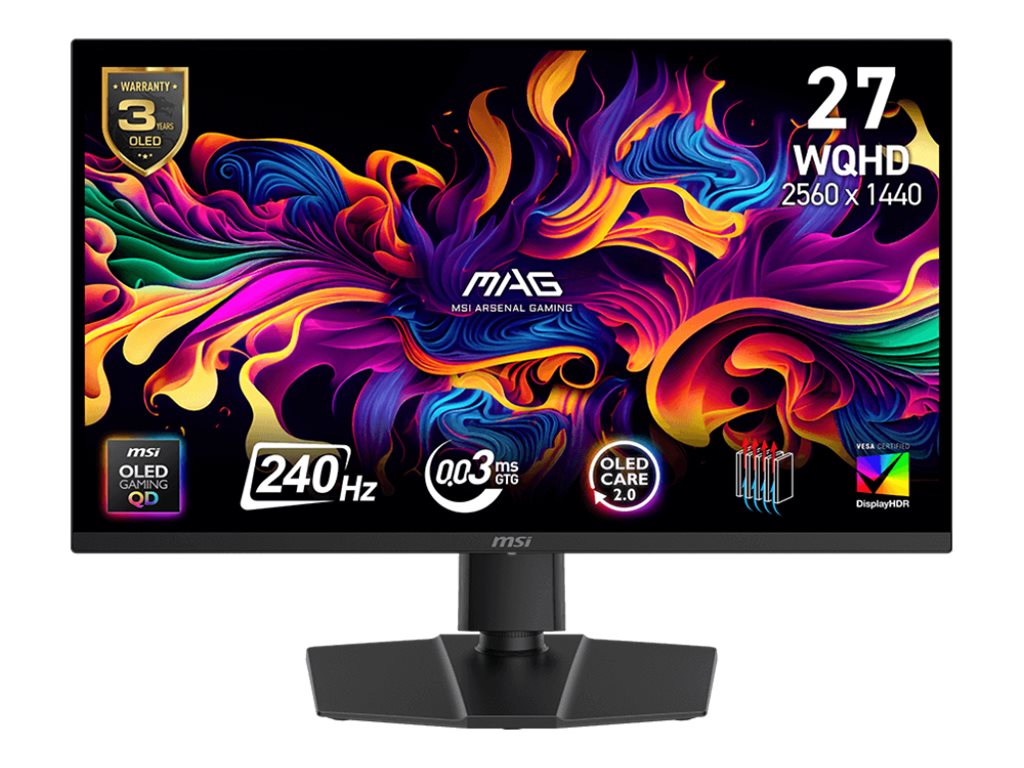
MSI MAG 273QP QD-OLED X24
$379.99
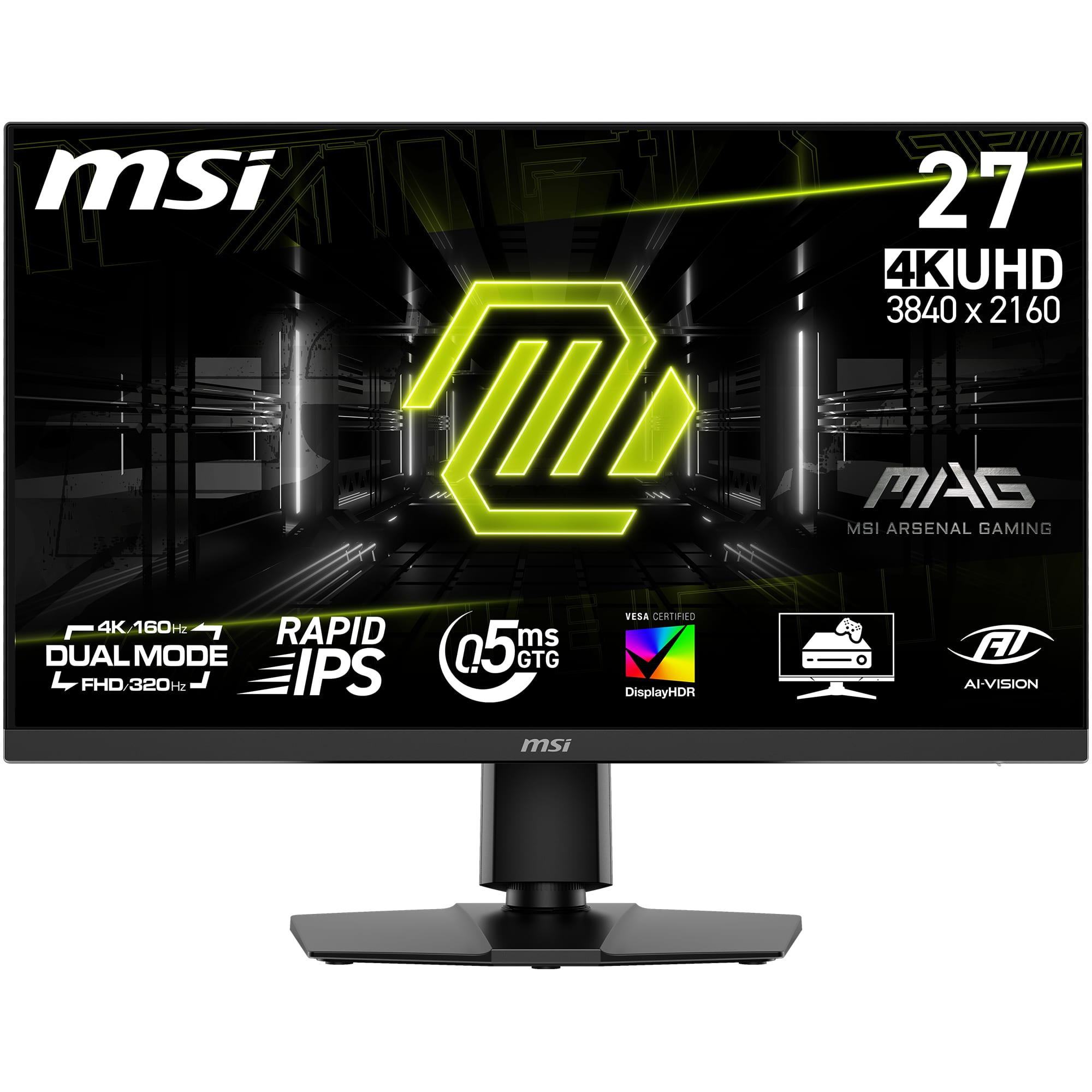
MSI MAG 272URDF E16 27" Gaming Monitor
$299.99

MSI MAG 276CXF 27" Gaming Monitor
$119.99
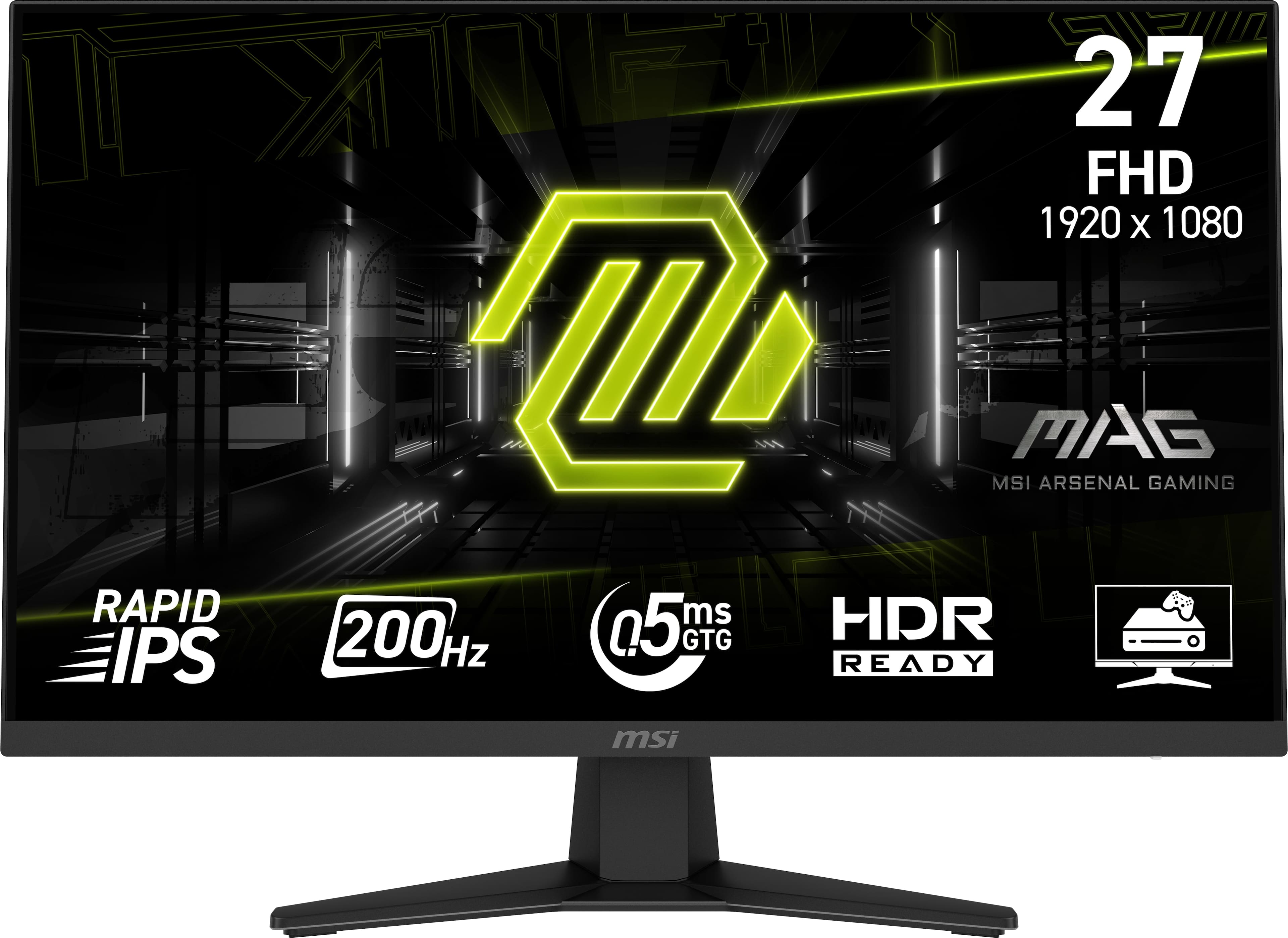
MSI MAG 275QF 27" Gaming Monitor
$140.49
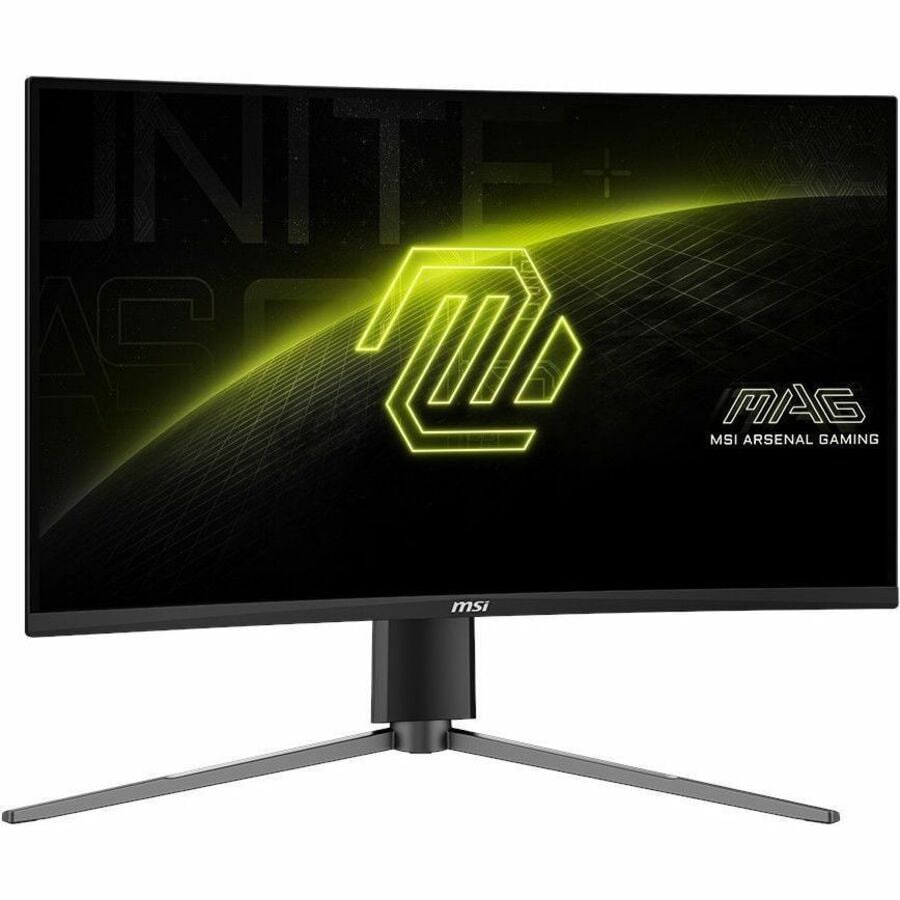
MSI MAG 27CQ6PF
$203.99

MSI MAG 321CUP QD-OLED 32" DQHD Curved OLED Quantum Dot Monitor
$749.99
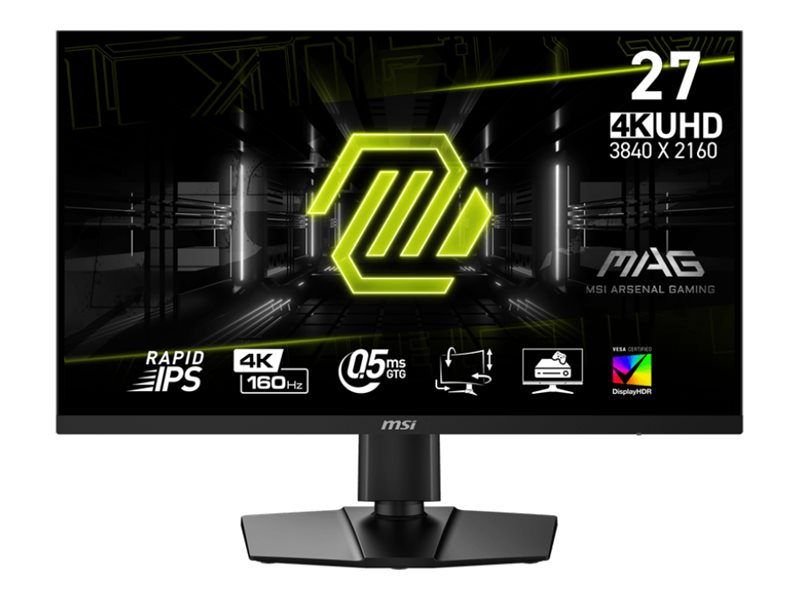
MSI MAG 274UPF E2 27" LCD 4K UHD Monitor
$399.99
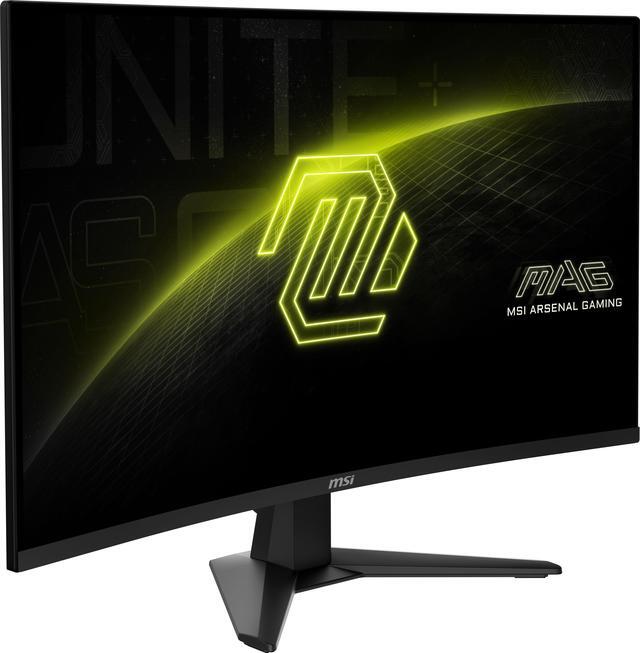
MSI MAG 32CQ6F
$249.99
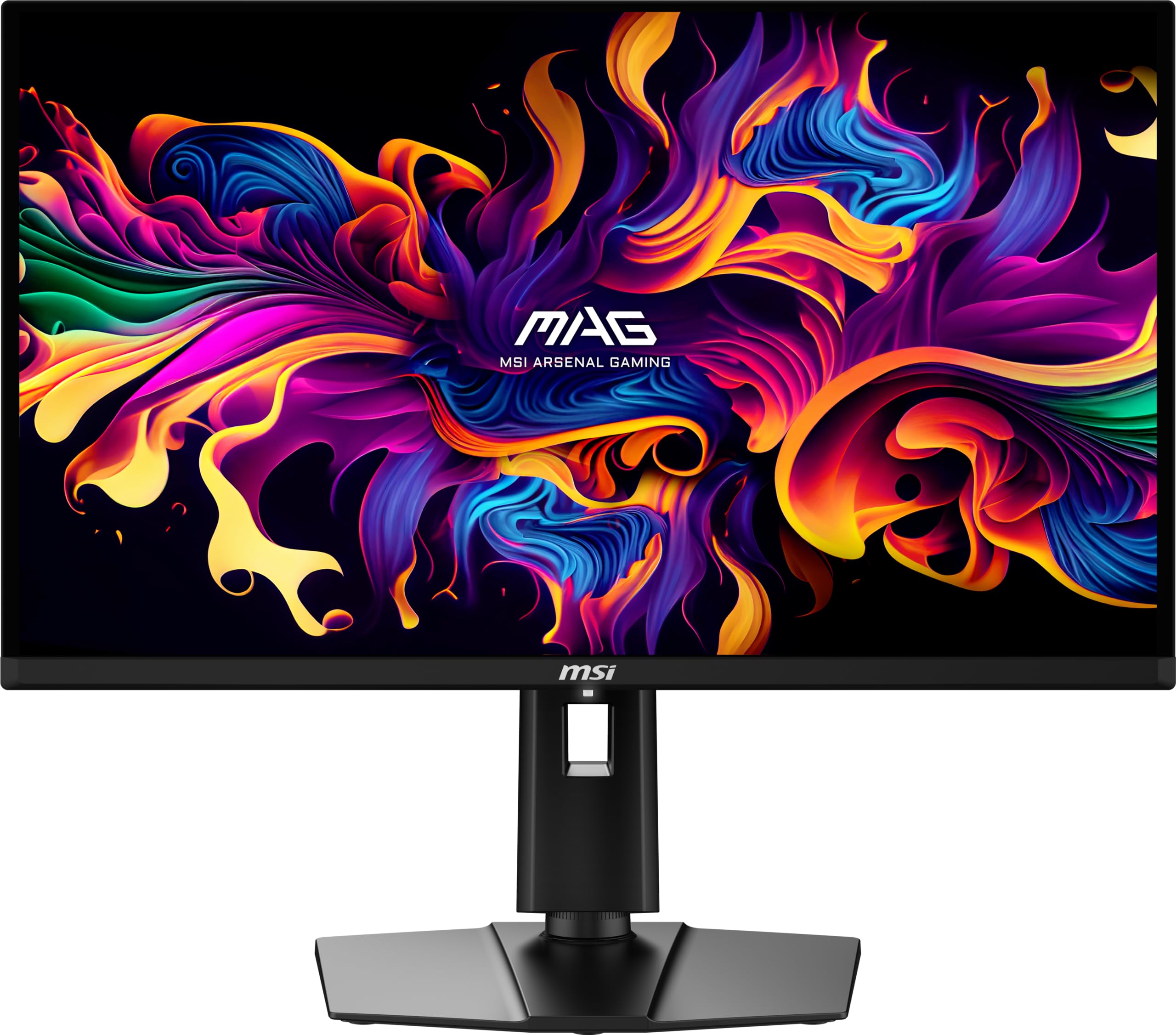
MSI MAG 271QPX QD-OLED E2 Gaming Monitor
$496.05

MSI MAG 27CQ6F
$180.86
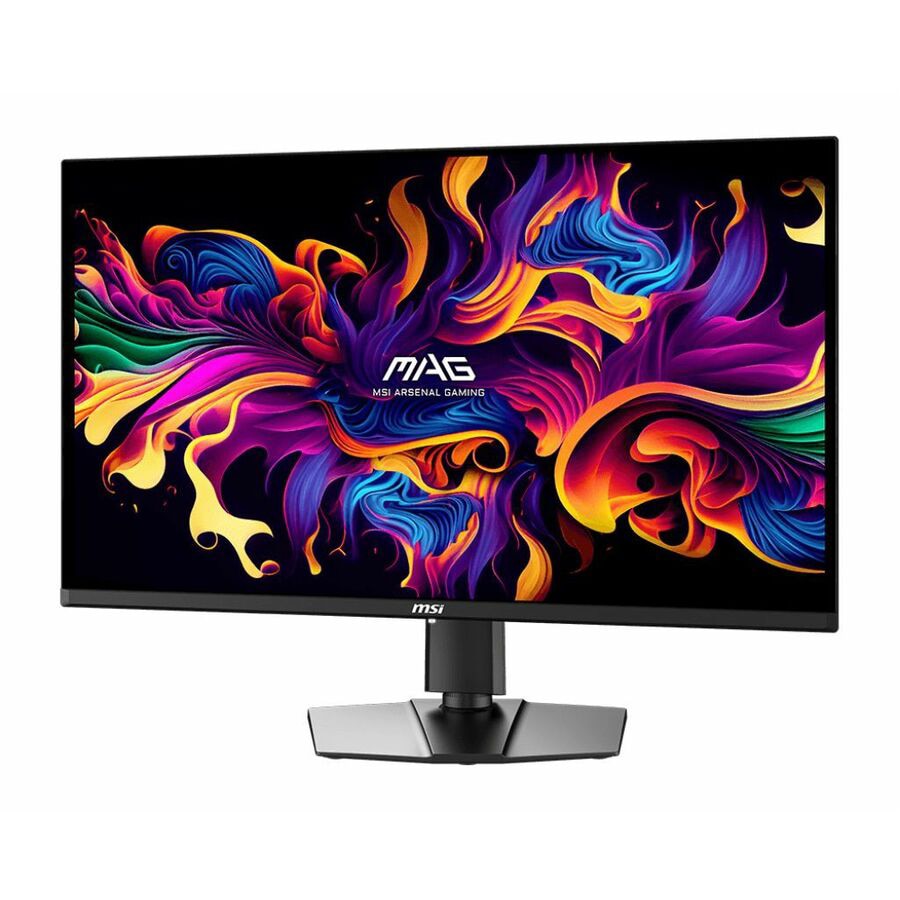
MSI MAG 321UP QD-OLED Gaming OLED Monitor
$866.99
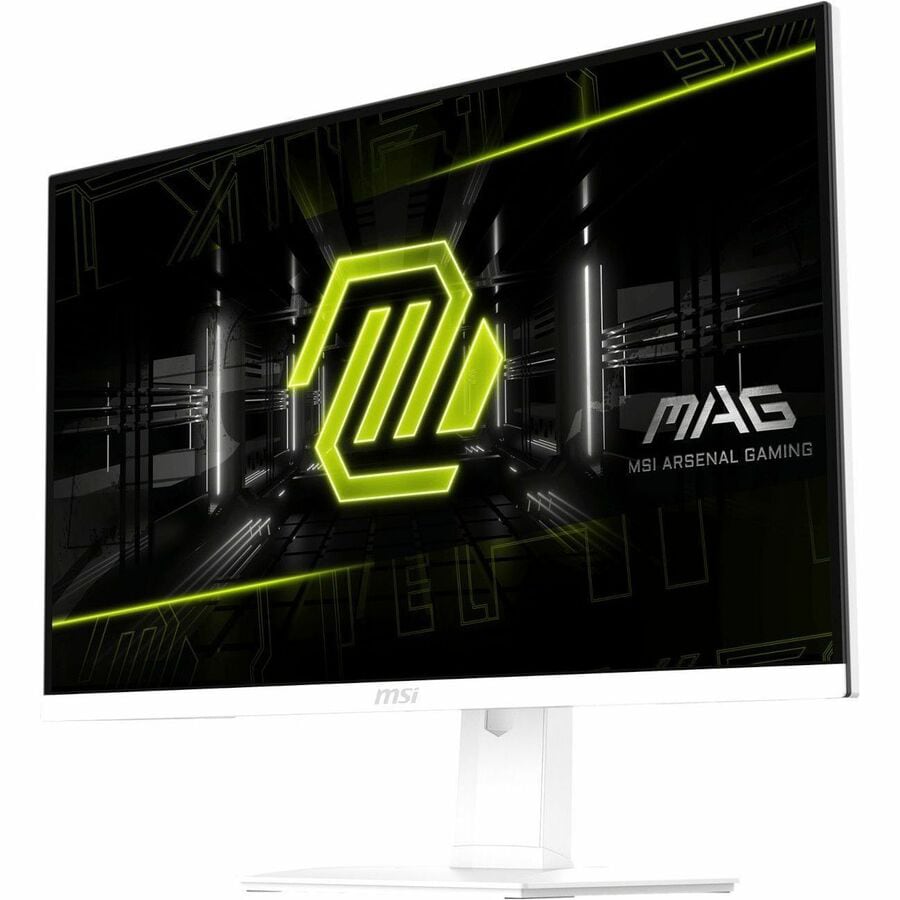
MSI MAG274QRFW 27" QHD 180Hz 1ms Gaming Monitor
$259.99
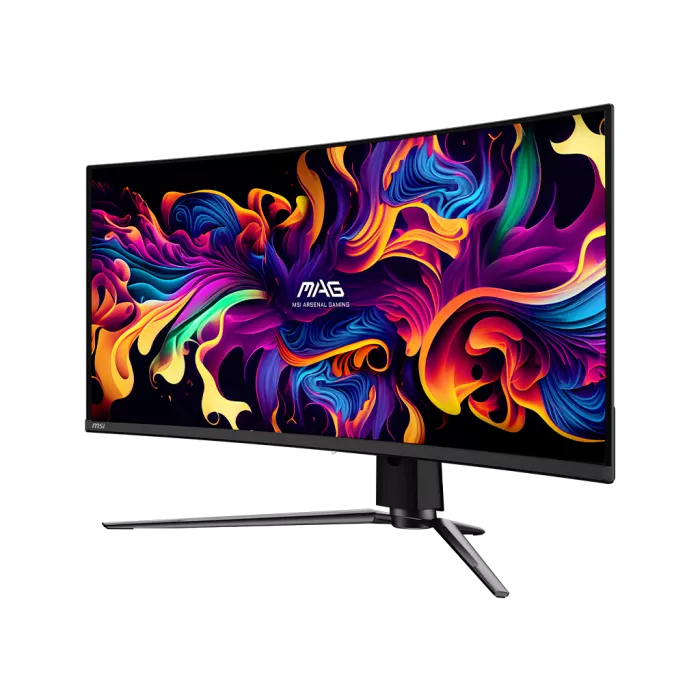
MSI MAG341CQPQDOLED 34" Quantum Dot OLED Curved UWQHD Monitor
$779.99
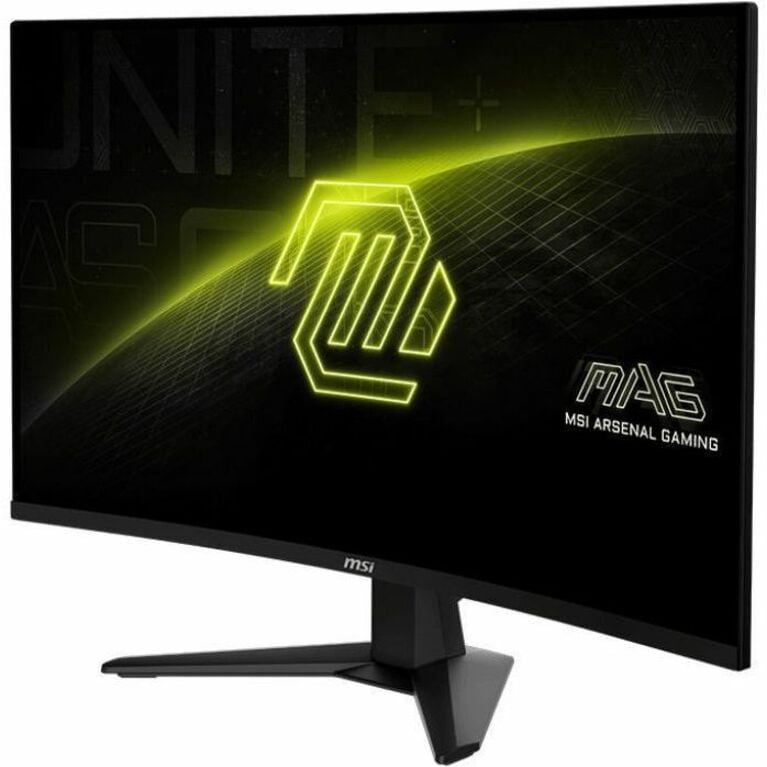
MSI MAG 32C6X Gaming Monitor
$291.00
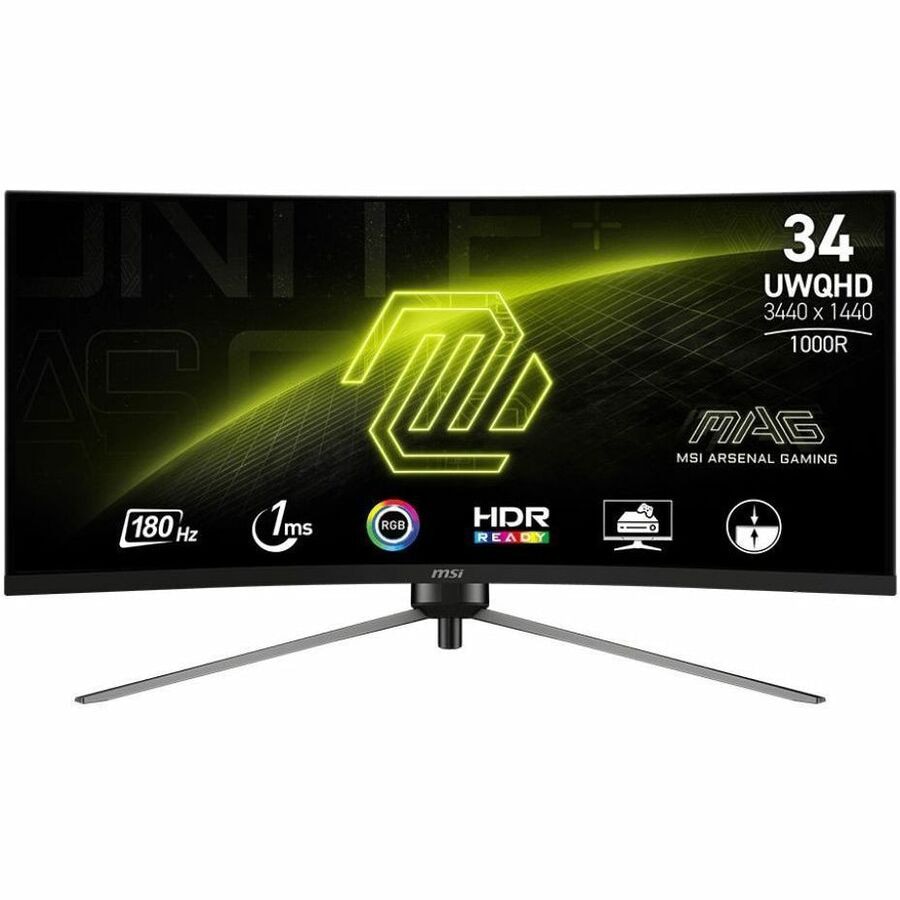
MSI MAG 345CQR 34" UWQHD Gaming Monitor
$269.99

MSI MAG 325CQRXF E2 32" Curved QHD 240Hz Gaming Monitor
$377.99
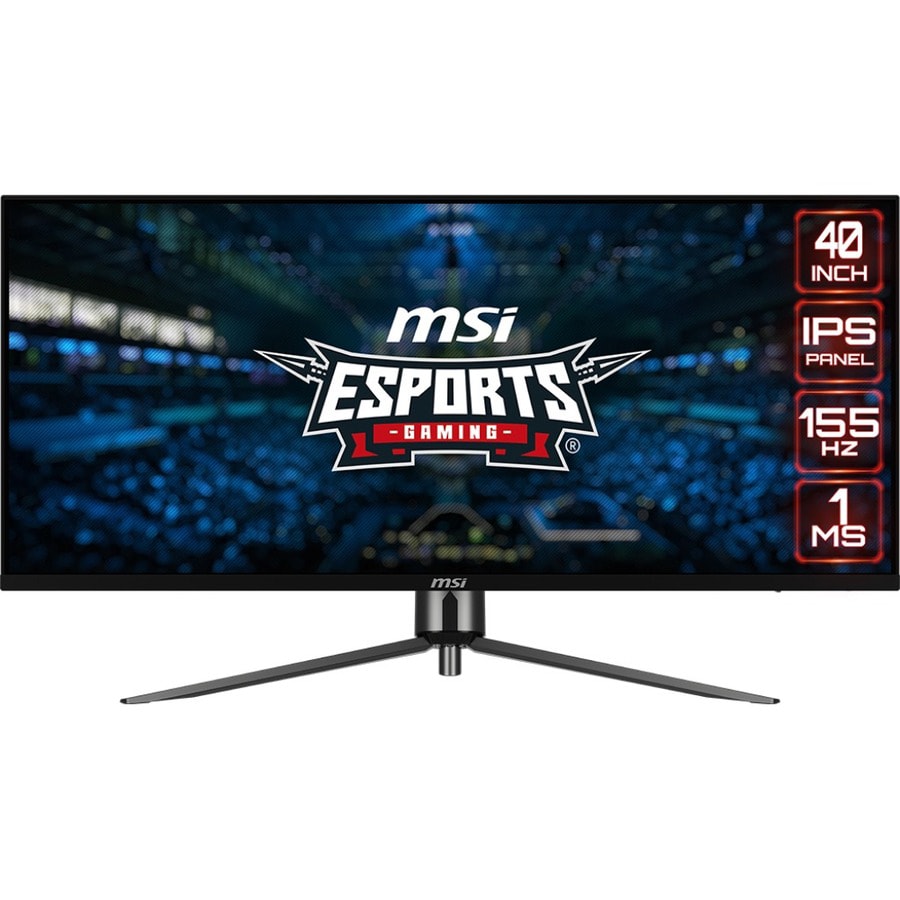
MSI MAG401QR 40" Gaming Monitor
$399.99
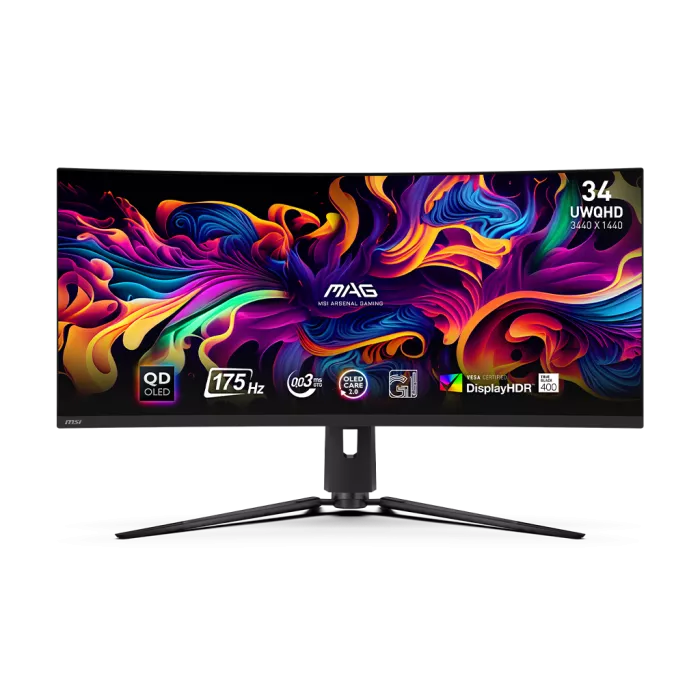
MSI MAG 341CQP QD-OLED
$649.99

MSI MAG 275CQF E18 27" 2K QHD Gaming Monitor
$169.99
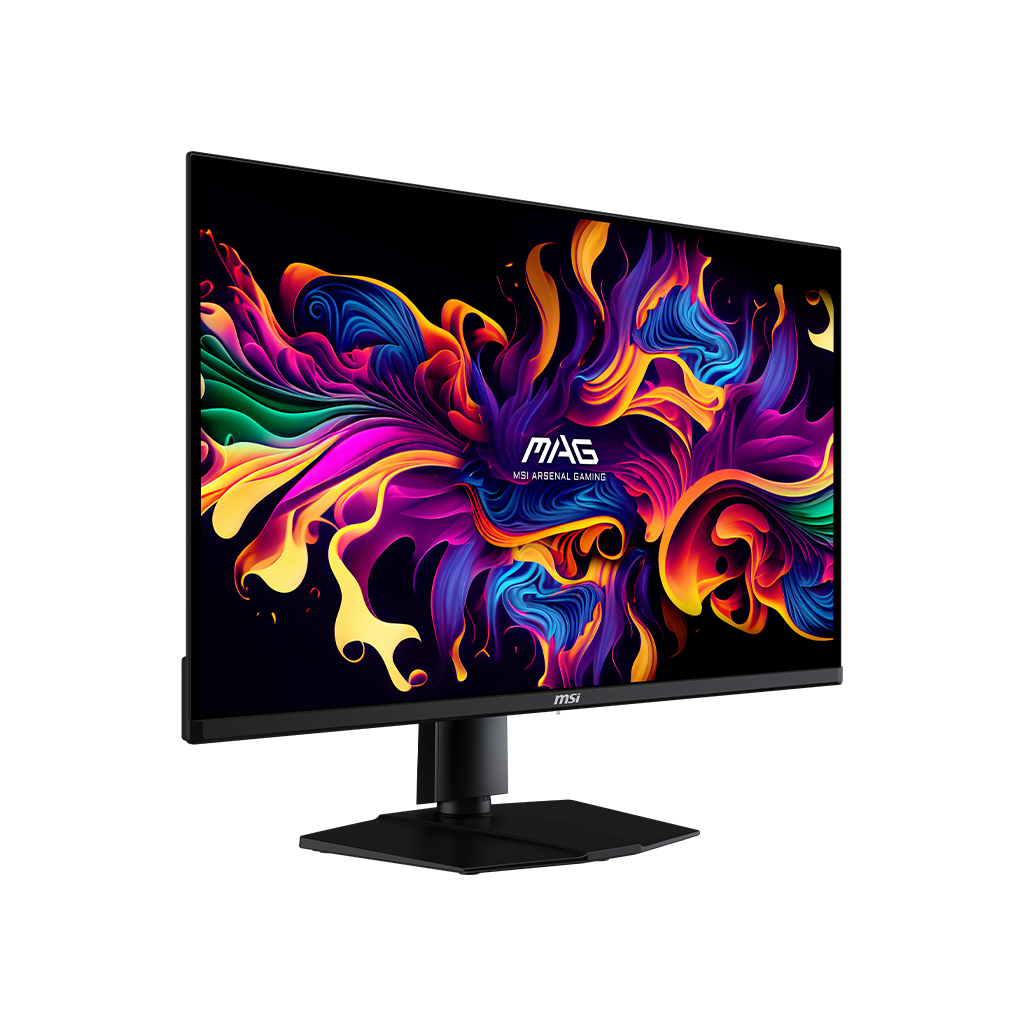
MSI MAG 321UP QD-OLED 32IN FLAT GAMING MONITOR
$791.25
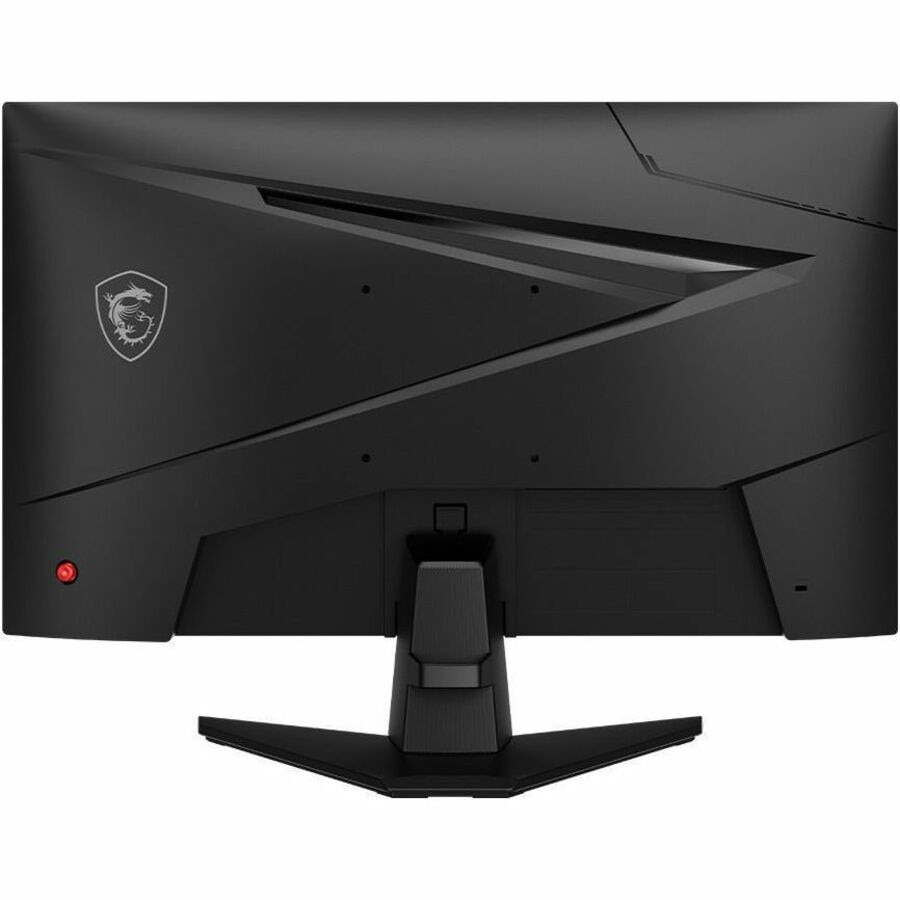
MSI MAG 244F Gaming LCD Monitor
$106.99
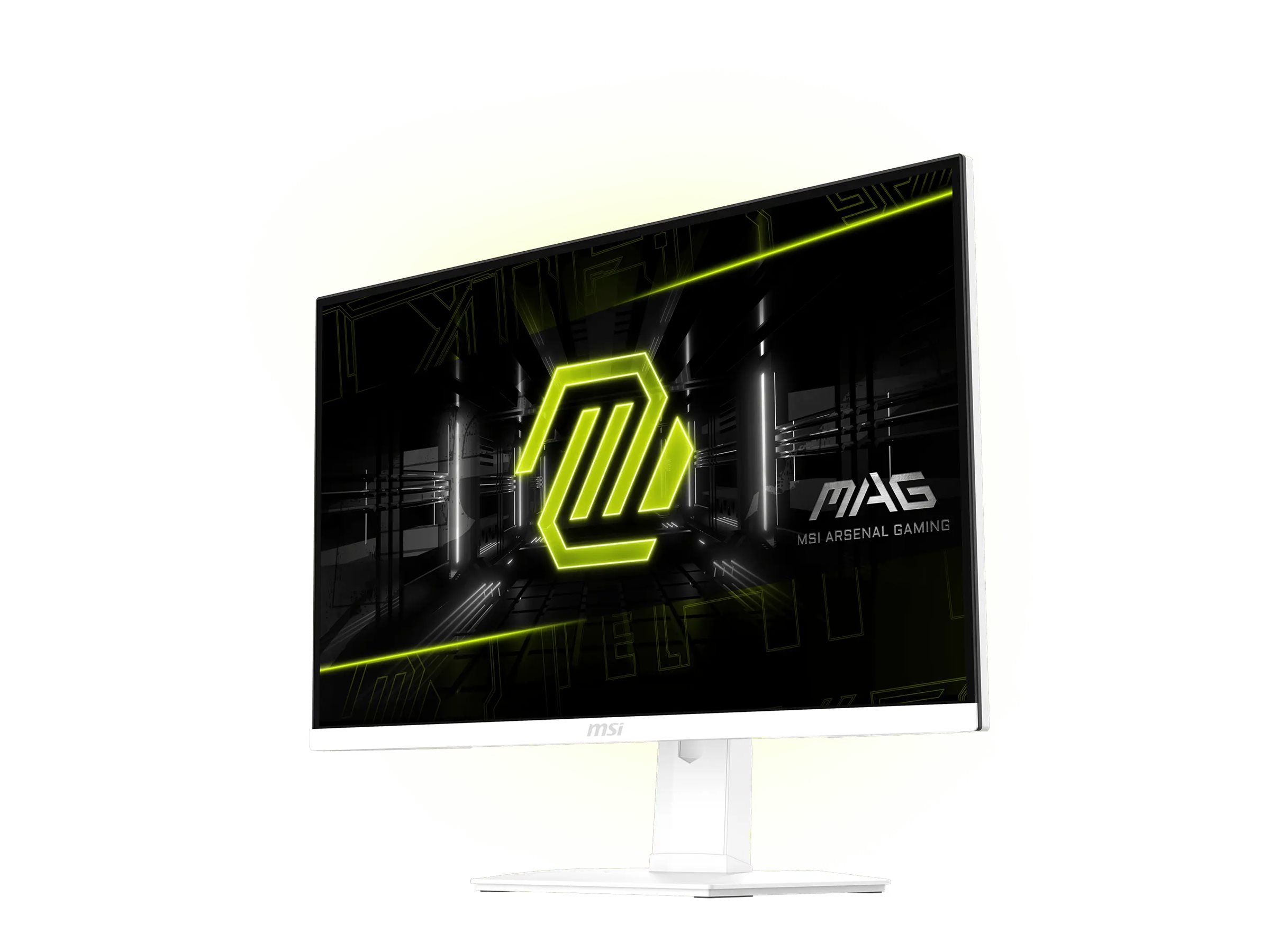
MSI MAG 274QRFW X32 Rapid IPS LCD Gaming Monitor
$299.99

MSI MAG 255XFV Gaming Monitor
$109.99
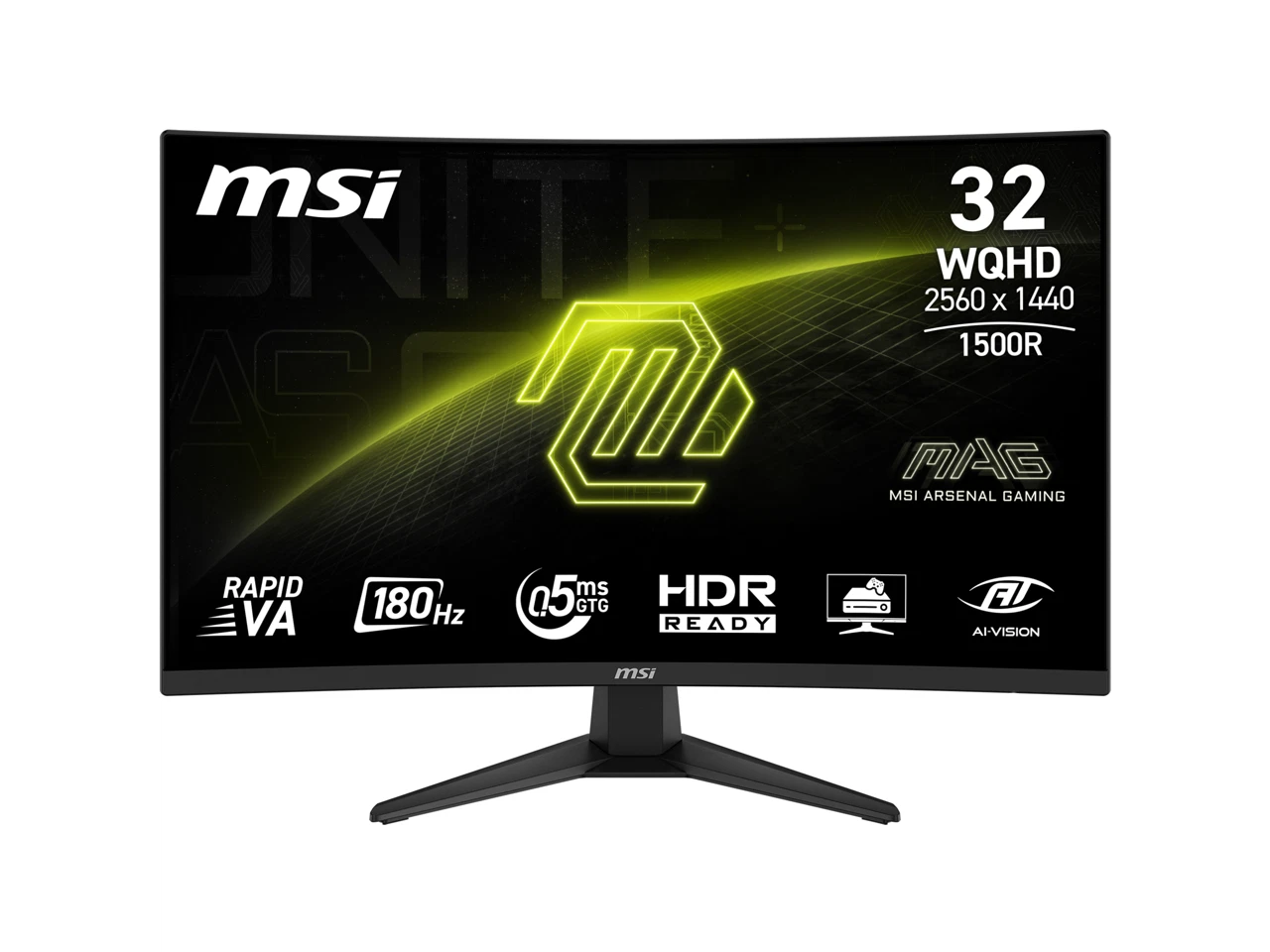
MSI MAG 321CQF E18 32" Rapid VA LCD Curved QHD 180Hz 0.5ms FreeSync Gaming Monitor with HDR ready
$248.49
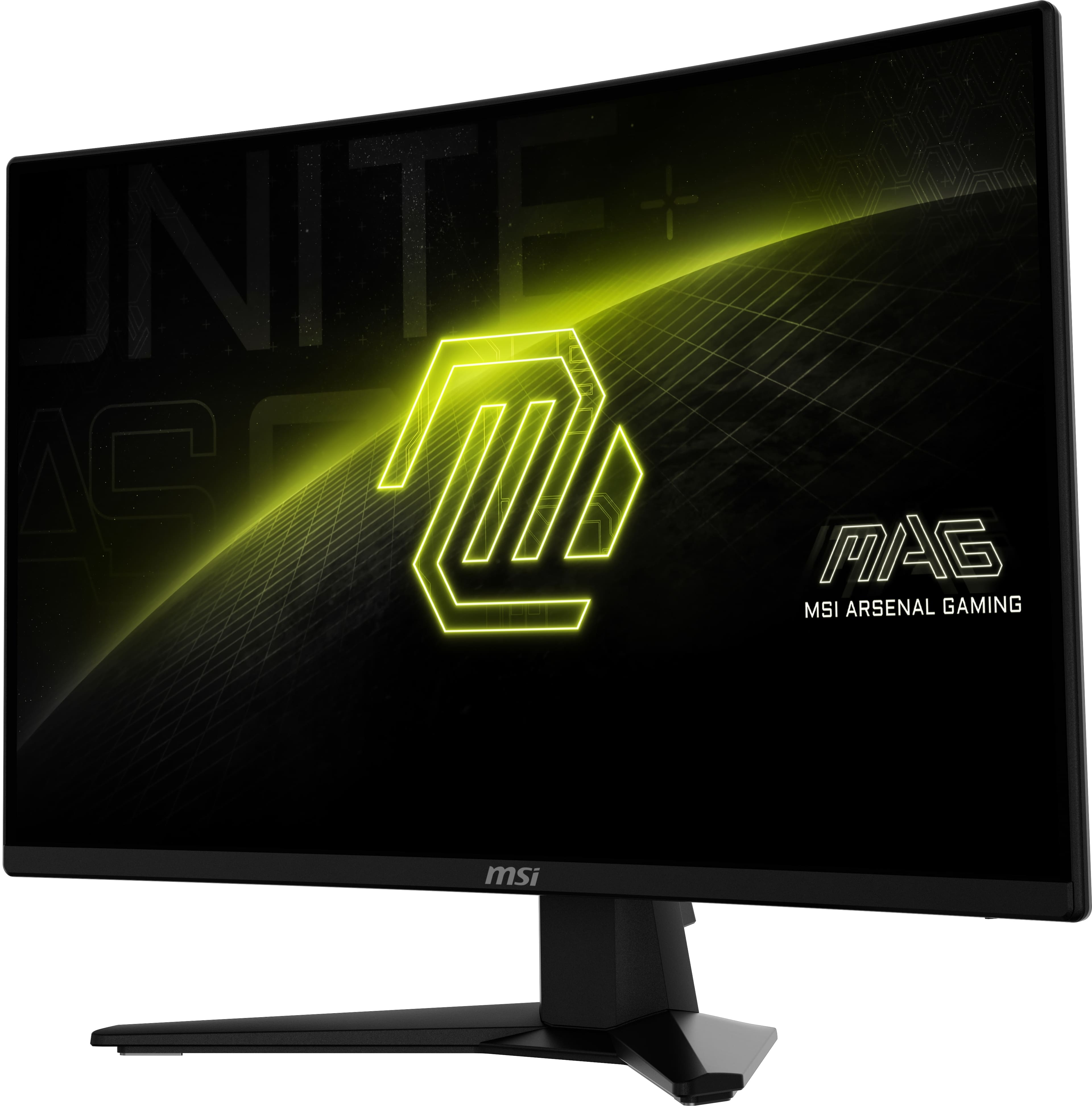
MSI MAG 274CXF
$149.99

MSI MAG 274UPDF E16M
$348.95
Owner Satisfaction
4.6
/ 5
Category Rank
174
/ 3515
#174 in Computer Monitors
Price vs Category Average
-55%
Below average
Screen Size
27
/ inches
Who it's for
- Mainstream gamers balancing sharp visuals with smooth performance
- Competitive gamers needing fluid, lag-free motion
- Creative professionals and media lovers seeking vivid color accuracy
Who should skip it
- Movie buffs sensitive to backlight bleed in dark rooms
- HDR enthusiasts requiring true high-contrast cinematic depth
- Budget-conscious shoppers hunting for the absolute lowest price
Performance breakdown
Color Vibrancy
Quantum Dot technology delivers exceptionally rich and saturated color reproduction.
Motion Clarity
The 180Hz refresh rate keeps fast-paced action fluid and blur-free.
Pixel Density
QHD resolution provides a sharp, detailed canvas for modern gaming titles.
HDR Performance
HDR400 support offers a noticeable contrast boost for immersive visual depth.
Connectivity Versatility
USB-C integration simplifies cable management for modern desktop and laptop setups.
Input Responsiveness
The 1ms response time ensures near-instant feedback during competitive gameplay.
Key Specs
Screen Size
27 inches
Resolution
QHD (2560 x 1440)
Refresh Rate
180Hz
Response Time
1ms
Panel Technology
Quantum Dot
Brightness
HDR400 certified
Connectivity
DisplayPort, HDMI, USB-C
HDR Support
True
Features
- Vibrant Quantum Dot color technology
- Ultra-smooth 180Hz gameplay
- Sharp QHD resolution for detail
- Enhanced contrast with HDR400
- Fast 1ms response time
- Versatile USB-C connectivity
- Superior color saturation
- Crisp image quality
What customers say
This MSI monitor is celebrated for its exceptional value, particularly for 1440p gaming. Its standout feature is the visual quality, with Quantum Dot technology delivering vibrant colors and impressive brightness. Gamers appreciate the fluid experience thanks to the 180Hz refresh rate and quick response time, ensuring smooth action in demanding games. The display effectively combines premium aspects like QHD resolution and accurate colors with an attractive price. Despite minor comments on the stand, the overwhelming feedback points to this being a highly recommended, quality monitor for anyone seeking a great QHD experience.
Know before you buy
Quantum Dot technology uses a layer of nanoparticles to enhance color saturation and accuracy. This results in a much wider color gamut compared to standard LED monitors, making colors appear more vibrant and true-to-life.
While the 180Hz refresh rate is primarily designed to make fast-paced gaming feel fluid and responsive, you will also notice smoother cursor movement and scrolling when browsing the web or navigating your desktop.
Yes, the USB-C port allows for a convenient single-cable connection for compatible laptops, handling both video signal transmission and peripheral connectivity.
HDR400 is an entry-level HDR standard. While it offers better contrast and brightness than a standard non-HDR monitor, it does not provide the same peak brightness or local dimming capabilities found in high-end, professional-grade HDR displays.
Yes, QHD (2560 x 1440) is widely considered the 'sweet spot' for a 27-inch monitor. It provides a significant increase in pixel density over 1080p, resulting in sharp text and detailed images without requiring the heavy graphical processing power of 4K.
To achieve the full 180Hz refresh rate, you should use the included DisplayPort cable or a high-bandwidth HDMI cable. Ensure your graphics card drivers are up to date and that you have selected the 180Hz setting in your display settings.

Still have a question?
Ask Hayley anything about this product before you decide.