

 Epson
Epson
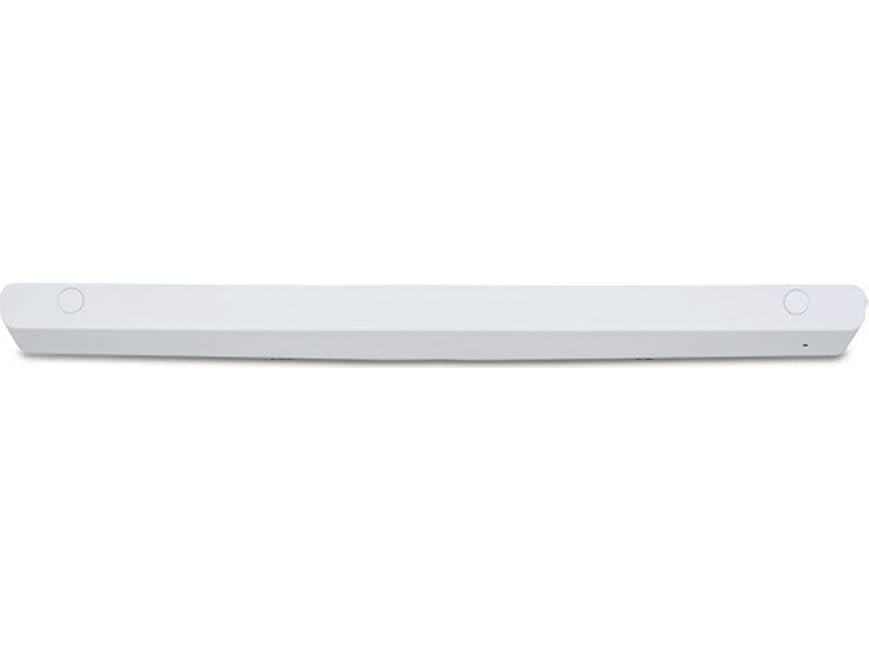
Epson ELPFT01 Interactive Touch Module

Transform your compatible Epson BrightLink interactive projector into a large, touch-enabled workspace with the Epson ELPFT01 Interactive Touch Module. This module enhances collaboration by adding finger-touch capabilities, allowing you to interact naturally with your screen. Its slim design maximizes usable space on new or existing whiteboards, attaching easily with included magnets or screws. The module connects directly to your projector's touch port and calibrates quickly with the provided markers, making interactive presentations and lessons more engaging and intuitive.
$230.00
Owner Satisfaction
4.0
/ 5
Category Rank
100
/ 134
#100 in Gesture Control Input Devices
Price vs Category Average
-75%
Below average
Model Number
01
/ ELPFT
Who it's for
- Seamless Upgrade
- Robust Multi-Touch
- Simple Setup
Who should skip it
- Proprietary Limitation
- Calibration Sensitivity
- External Hardware Requirement
Key Specs
Model Number
ELPFT01
Manufacturer Part Number
V12H007A23
Compatibility
BrightLink 725Wi, 735Fi, 1480 series, and 1485Fi projectors
Connector Type
Touch port
Touchscreen Type
Finger-touch
Display Technology
LCD
Component Type
LCD Display Only
Warranty
60 days
Features
- Adds interactive finger-touch capabilities to compatible BrightLink projectors
- Attaches easily to whiteboards using screws or magnets
- Slim design maximizes interactive screen space
- Direct connection to projector touch port
- Easy calibration with included markers
- Enables natural finger interaction with projected content
- Straightforward setup and installation
- Enhances interactive presentations and sessions
What customers say
Users highly value the Epson ELPFT01 for transforming standard projections into engaging, collaborative interactive surfaces, offering a cost-effective upgrade. When integrated correctly, the touch input responsiveness and accuracy significantly enhance lessons and presentations. The core positive theme centers on its powerful functionality mimicking expensive whiteboards. However, the primary friction point is setup and ongoing maintenance. Many report significant challenges with initial calibration and the necessity for frequent readjustments due to environmental factors. This persistent calibration demand creates a clear divide between satisfied users and those struggling with the required precision, tempering otherwise strong quality feedback.

Still have a question?
Ask Hayley anything about this product before you decide.