

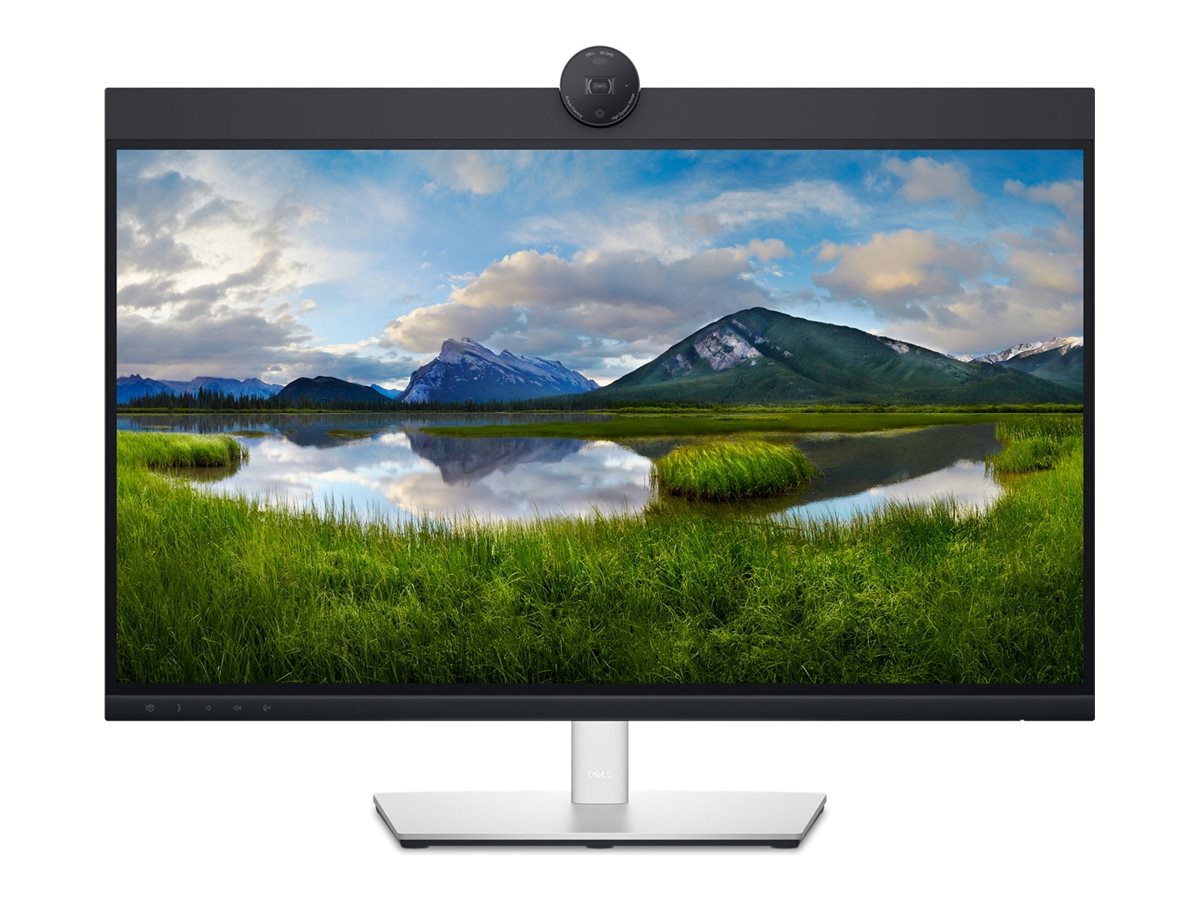
Dell P2724DEB 27" Class Webcam WQHD LED Monitor
Best all-in-one monitor for remote professionals needing seamless video conferencing.

Meet the Dell P2724DEB 27-inch WQHD monitor, engineered for crystal-clear video conferencing and seamless collaboration. It features an integrated 2K webcam with a Sony STARVIS sensor for superior low-light performance, enhanced by noise reduction for clearer video. Communication is streamlined with built-in echo-canceling mics and speakers, certified for Zoom and Teams. This monitor acts as a productivity hub, offering USB-C power delivery up to 90W, a KVM switch for managing dual devices, and an RJ45 Ethernet port for reliable wired networking.
$470.06
Owner Satisfaction
4.5
/ 5
Category Rank
373
/ 3545
#373 in Computer Monitors
Price vs Category Average
-27%
Below average
Screen Size
27
/ inches
Who it's for
- Remote workers needing a streamlined video conferencing setup
- Professionals seeking a clutter-free, single-cable desk environment
- Office users prioritizing screen clarity and ergonomic comfort
Who should skip it
- Creative professionals demanding color-accurate, high-dynamic-range displays
- Budget-conscious buyers preferring separate, cost-effective peripherals
- Gamers and video editors requiring high-motion fluidity
Performance breakdown
Video Conferencing Quality
The Sony STARVIS sensor delivers professional-grade clarity for remote meetings.
Connectivity Versatility
USB-C power delivery and RJ45 Ethernet turn this into a workstation.
Display Sharpness
WQHD resolution provides crisp text and ample workspace for multitasking.
Audio Performance
Integrated echo-canceling mics ensure clear communication without extra peripherals.
Workflow Efficiency
The built-in KVM switch makes managing dual devices remarkably simple.
Color Accuracy
IPS panel technology offers consistent, vibrant colors for everyday office tasks.
Key Specs
Screen Size
27 inches
Resolution
2560 x 1440 (WQHD)
Panel Type
IPS
Brightness
350 Nit
Response Time
5 ms GTG (Fast)
Connectivity
HDMI, DisplayPort, USB-C (90W PD), RJ45 Ethernet
Maximum Resolution
2560 x 1440 (QHD)
Color Support
16.7 Million Colors
Features
- Integrated 2K Webcam with low-light sensor
- AI Auto Framing keeps you centered during calls
- Windows Hello facial recognition login
- Echo Cancelling Mics and Stereo Speakers
- KVM switch for dual-device control
- USB-C with 90W Power Delivery
- Daisy-chain support via DisplayPort out
What customers say
The Dell P2724DEB earns praise primarily for its exceptional utility as a conferencing and productivity hub. Users consistently highlight the integrated 5MP webcam, noting its superior clarity and automatic light correction compared to standard external options, making it perfect for remote professionals. A key success factor is the robust USB-C connectivity providing 90W power delivery, which significantly reduces desk clutter via single cable operation for charging and video. The ergonomic stand also supports comfortable, long-term use. While the display offers crisp text for multitasking, the integrated speakers are only adequate for meetings. Despite a premium price, satisfied users feel the convenience, superior conferencing tools, and reliable build quality justify the investment for modern hybrid work.
Know before you buy
Yes, the webcam is compatible with all standard video conferencing applications. It is specifically certified for Zoom and Microsoft Teams, ensuring seamless integration and reliable performance with those platforms.
Yes, the built-in KVM switch allows you to toggle your keyboard, video, and mouse between two different connected computers. This is ideal for users who switch between a work laptop and a personal desktop on the same monitor.
Yes, the USB-C port provides up to 90W of power delivery, which is sufficient to charge most modern laptops, including high-performance models, while simultaneously transmitting data and video over a single cable.
Yes, the integrated webcam supports Windows Hello facial recognition. This allows you to log into your Windows PC quickly and securely without needing to type a password.
Yes, the monitor features an RJ45 Ethernet port. When connected to your laptop via USB-C, the monitor acts as a docking station, providing your computer with a stable, wired internet connection.
The AI Auto Framing feature is designed to keep you centered in the frame during video calls, but it can typically be adjusted or toggled off through the Dell Peripheral Manager software depending on your preference.

Still have a question?
Ask Hayley anything about this product before you decide.