

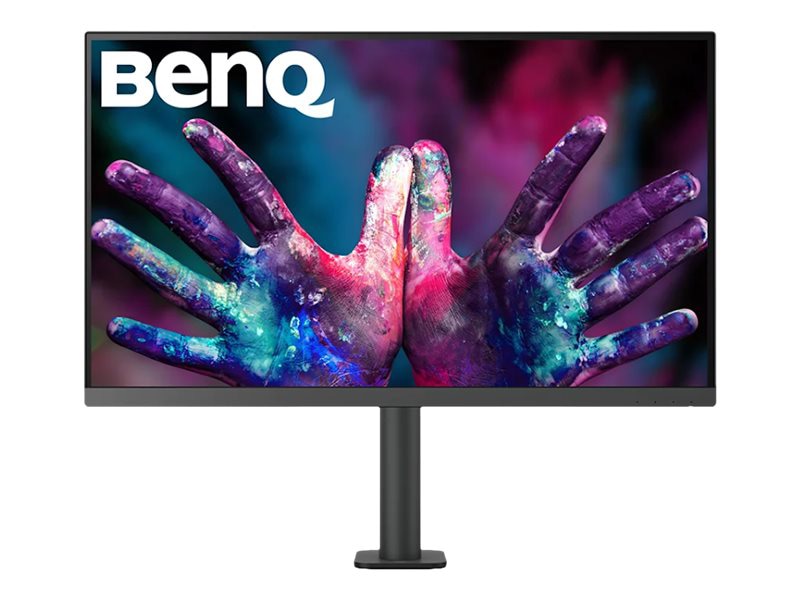
 BenQ
BenQ
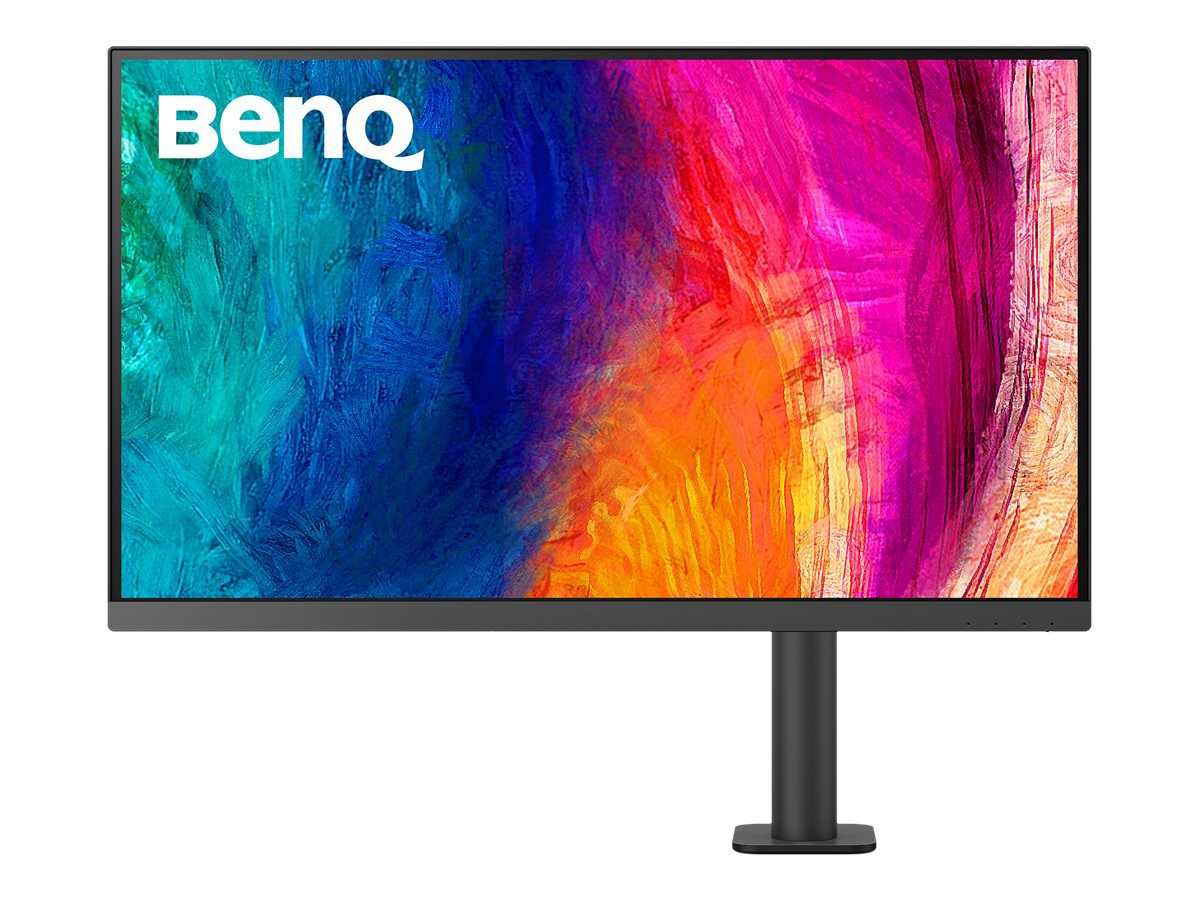
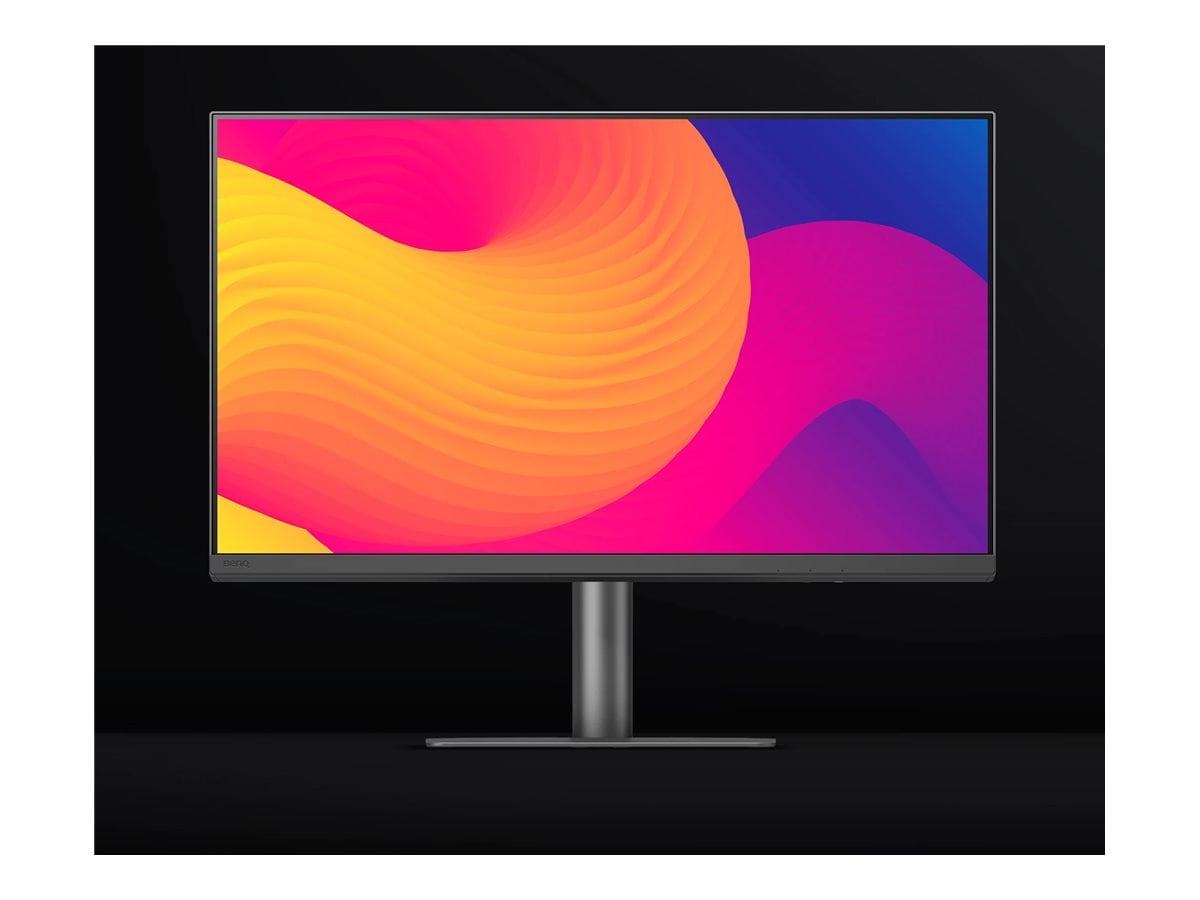
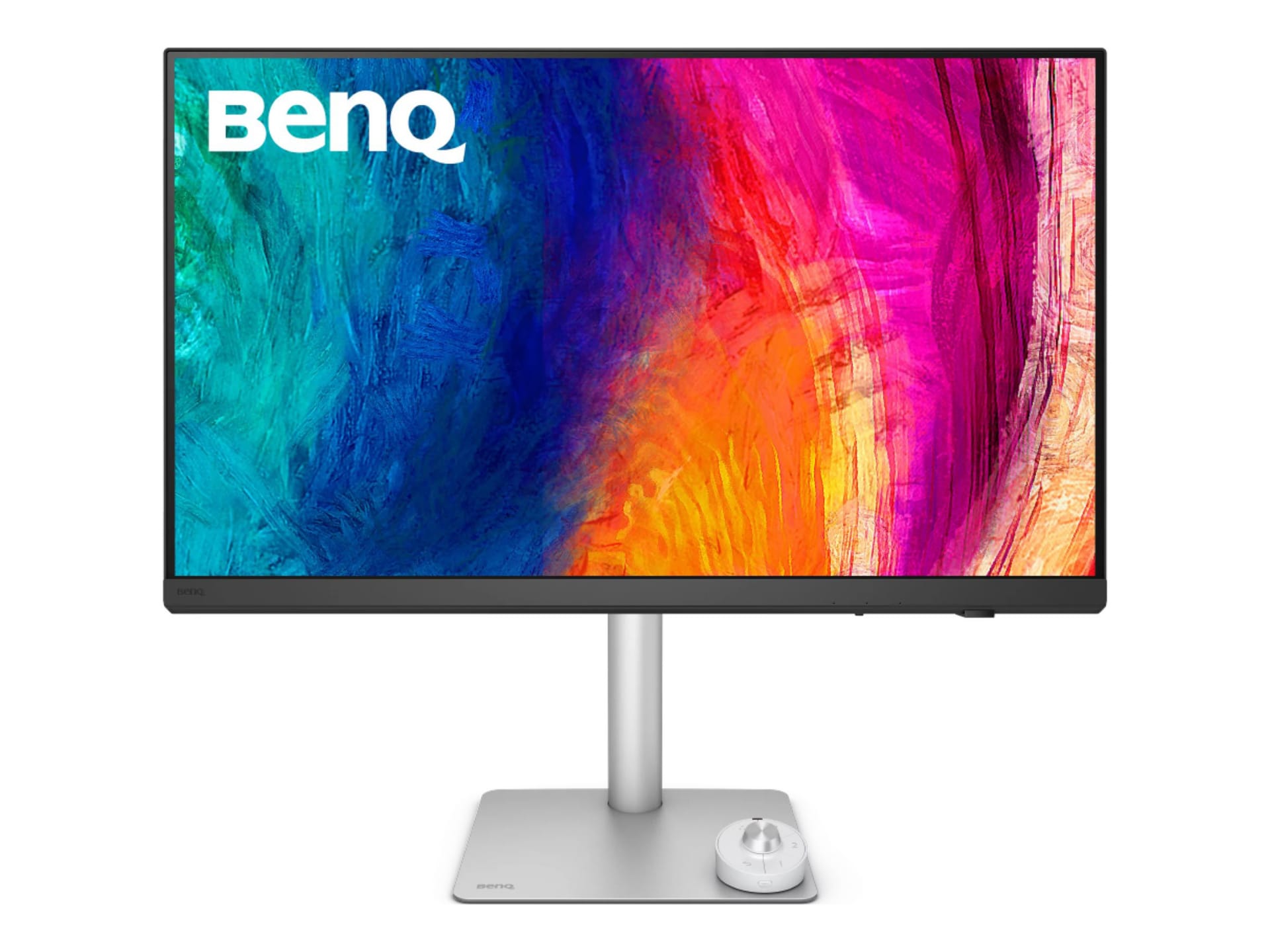
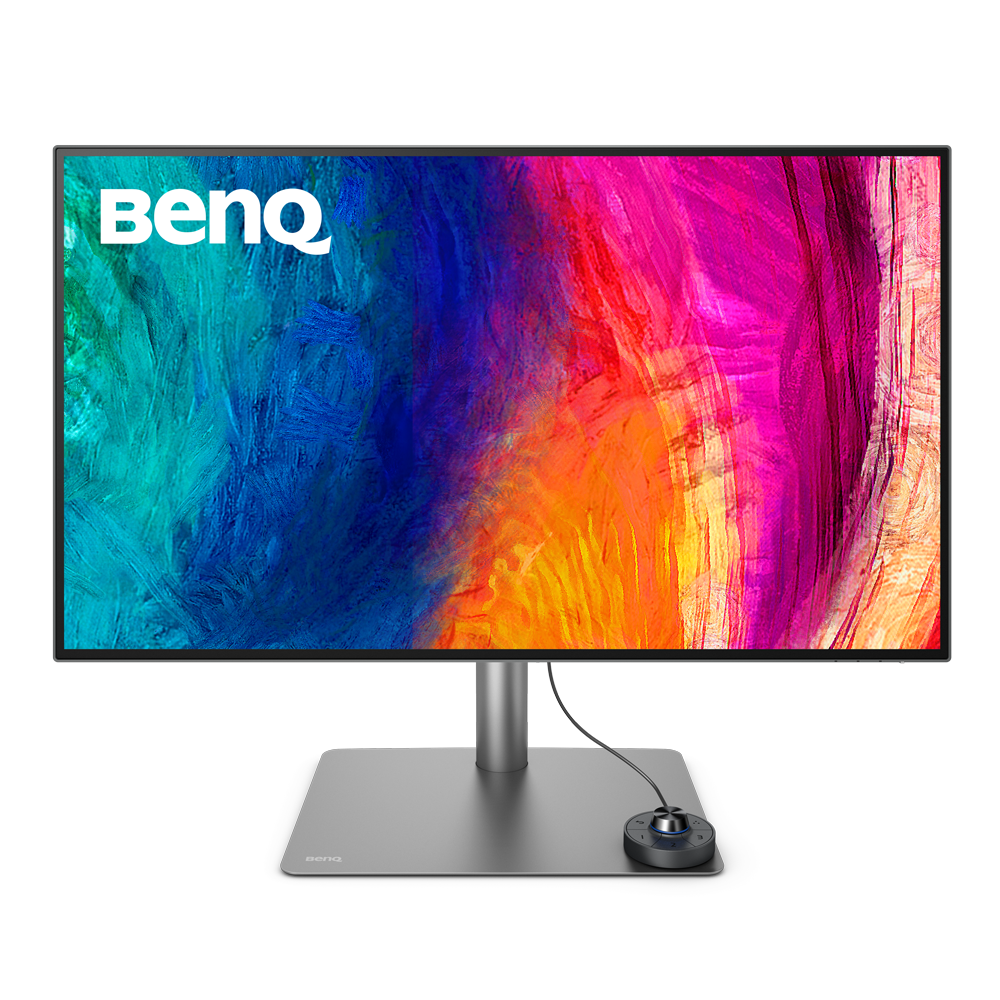
BenQ PD3205U Monitor
Best 4K display for professional graphic designers and creative workflows.

Elevate your creative workflow with the BenQ PD3205U, a 32-inch 4K UHD monitor designed for professionals. Its In-Plane Switching (IPS) panel delivers stunning visuals with over 107 billion colors and exceptional color accuracy, validated by industry standards. Simplify your setup with a single USB-C cable that supports video, data, and up to 90W of power delivery. Integrated eye-care technologies reduce fatigue during extended use, making it an ideal choice for graphic designers and other creative professionals seeking precision and comfort.
$575.30

Owner Satisfaction
4.6
/ 5
Category Rank
174
/ 3545
#174 in Computer Monitors
Price vs Category Average
-11%
Below average
Panel Type
In-Plane Switching (IPS) Technology
/ In-Plane Switching (IPS) Technology
Who it's for
- Graphic designers requiring precise color reproduction for professional projects
- Laptop users wanting a clean, single-cable desk setup
- Multitaskers managing multiple computers with one keyboard and mouse
Who should skip it
- Gamers and users who prefer fluid, high-refresh-rate motion
- Content creators seeking high-impact HDR for cinematic viewing
- Budget-conscious buyers who do not require professional-grade color tools
Performance breakdown
Color Accuracy
Factory calibration ensures professional-grade precision for demanding creative workflows.
Connectivity Versatility
Single-cable USB-C power delivery streamlines your workspace and reduces clutter.
Visual Clarity
4K UHD resolution provides sharp, expansive detail for complex design projects.
Ergonomic Comfort
Highly adjustable stand and eye-care tech minimize strain during long sessions.
Multitasking Capability
Picture-in-picture modes allow for efficient side-by-side workflow management.
Panel Performance
IPS technology delivers consistent, vibrant viewing angles for collaborative work.
Key Specs
Panel Type
In-Plane Switching (IPS) Technology
Resolution
3840 x 2160 (4K UHD)
Screen Size
32 inches
Color Support
107 Billion Colors
Color Accuracy
DeltaE ≤3, 99% sRGB and Rec. 709 coverage
Response Time
5 Ms
Connectivity
USB-C with 90W Power Delivery
Brightness
350 Nit
Features
- Factory calibrated for superior color accuracy
- AQCOLOR technology for professional color reproduction
- Picture-in-Picture and Picture-by-Picture support
- Ergonomic stand for comfortable viewing
- One-cable USB-C solution for video, data, and power
- Low Blue Light and Flicker-Free eye care
- High color accuracy validated by certifications
- Integrated speakers for convenient audio
What customers say
Reviewers consistently highlight the BenQ PD3205U's exceptional build quality and professional design. Its standout feature is the outstanding color accuracy delivered immediately, which is vital for creative work. The integrated KVM switch and USB C connectivity are major benefits, streamlining complex workflows and significantly decluttering the workspace. Users report a seamless, high performance experience that confirms the monitor is a reliable and worthwhile investment for demanding professional environments.
Know before you buy
Yes, the USB-C port supports up to 90W of power delivery. This is sufficient to charge most modern laptops, including high-performance models, while simultaneously transferring video and data through a single cable.
The PD3205U is factory-calibrated to achieve a DeltaE ≤3 and covers 99% of the sRGB and Rec. 709 color spaces. It is designed for professional creative work where color precision is essential.
Yes, the monitor supports both Picture-in-Picture (PIP) and Picture-by-Picture (PBP) modes. This allows you to display inputs from two different sources simultaneously, which is helpful for multitasking or comparing projects.
Yes, the monitor includes BenQ’s eye-care technology, which features Flicker-Free performance and Low Blue Light settings. These help reduce visual fatigue during extended periods of use.
The stand is highly ergonomic and fully adjustable. You can modify the height, tilt the screen, and pivot it into portrait orientation to suit your specific workspace needs.
The integrated speakers are convenient for casual listening, system sounds, or quick video previews. However, for professional audio mixing or critical sound editing, you will likely prefer using dedicated external studio monitors or headphones.

Still have a question?
Ask Hayley anything about this product before you decide.