

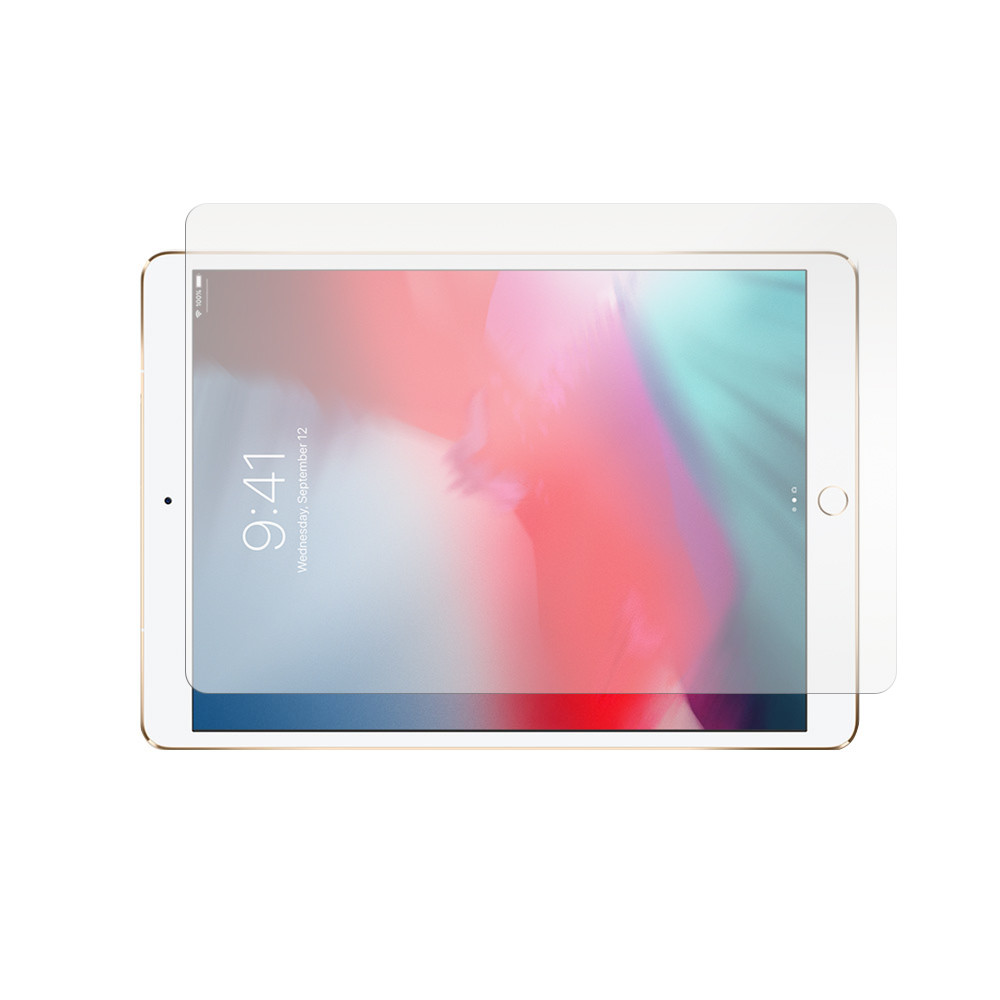
Apple iPad Pro 12.9 (2nd generation) Paper Screen Protector

Experience the natural feel of writing on paper with the ViaScreens Paper Screen Protector for your Apple iPad Pro 12.9 (2nd generation). This protector mimics the texture and resistance of real paper, enhancing your drawing, sketching, and note-taking experience with a stylus. It offers excellent glare reduction and smudge resistance, ensuring a clear view in any lighting. Designed for precise compatibility, it guards your screen against everyday scratches and scuffs, maintaining your device's pristine condition. Enjoy a tactile, digital canvas that blends traditional sensation with modern technology for unparalleled productivity and creativity.
$25.43
Owner Satisfaction
4.1
/ 5
Category Rank
1295
/ 1632
#1295 in Screen Protectors
Price vs Category Average
-29%
Below average
Product Type
Screen Protector
/ Screen Protector
Who it's for
- Enhanced Writing & Drawing Experience
- Reduced Glare & Fingerprints
- Basic Screen Protection
Who should skip it
- Slight Visual Clarity Reduction
- Increased Apple Pencil Nib Wear
- Challenging Installation Process
Key Specs
Product Type
Screen Protector
Material
PET
Surface Hardness
2H
Layer Thickness
0.135 mm
Compatible Device
Apple iPad Pro 12.9 (2nd generation)
Display Size
12.9 inches
Package Contents
2 x Paper Screen Protectors, Application Toolkit
Features
- Paper-like texture for a natural writing and drawing feel.
- Anti-glare technology reduces reflections for comfortable viewing.
- Precision fit ensures optimal coverage and access to device features.
- Scratch resistance protects against daily wear and tear.
- Highly durable, designed to last at least 18 months.
- Enhanced stylus responsiveness for artists and note-takers.
- Matte surface minimizes fingerprints.
What customers say
Customers generally appreciate the ViaScreens paper screen protector for its ability to replicate a natural writing and drawing experience on the iPad Pro. Many highlight the comfortable, tactile surface that enhances precision and control, making digital work feel more authentic. While the paper like texture is a significant draw, some users note the installation process can be tricky, requiring careful application to avoid air bubbles. The overall sentiment leans positive, valuing the improved creative workflow it offers.

Still have a question?
Ask Hayley anything about this product before you decide.