


 Corsair
iCUE NEXUS Companion Touch Screen
Best desktop companion for power users seeking streamlined system control.

Elevate your PC experience with this versatile companion touch screen. It offers real-time system monitoring and easy drag-and-drop customization, allowing you to create hundreds of personalized screens. Effortlessly navigate through your system's data and control compatible devices. Its intuitive interface makes managing your setup simple and efficient, putting essential information and controls right at your fingertips for a streamlined and personalized gaming or work environment.
$99.99
Owner Satisfaction
3.5
/ 5
Category Rank
253
/ 274
#253 in Gaming Pads
Price vs Category Average
+15%
Above average
Touchscreen Enabled
True
/ True
Who it's for
- Power users managing complex Corsair hardware setups
- Gamers monitoring system health during intense sessions
- Productivity seekers wanting faster macro execution
Who should skip it
- Users with mixed-brand hardware components
- Budget-conscious buyers seeking essential functionality
- Minimalists already utilizing secondary monitors or apps
Performance breakdown
Customization Depth
Drag-and-drop interface allows for near-infinite personalized screen configurations.
System Monitoring
Real-time telemetry provides instant visibility into critical hardware performance metrics.
Interface Responsiveness
Touch sensitivity is reliable, though the narrow form factor limits input precision.
Ecosystem Integration
Seamlessly bridges control across the entire Corsair hardware peripheral suite.
Build Quality
Lightweight plastic construction feels functional but lacks a premium tactile finish.
Setup Simplicity
USB-powered design ensures a straightforward, plug-and-play installation process.
Key Specs
Touchscreen Enabled
True
Multi-Touch Support
True
Interface Type
USB-A
Connectivity Technology
USB Wired
Power Source
USB Powered
Surface Material
Plastic
Operating System Compatibility
Windows
Model Number
CH-9910010-NA
Know before you buy
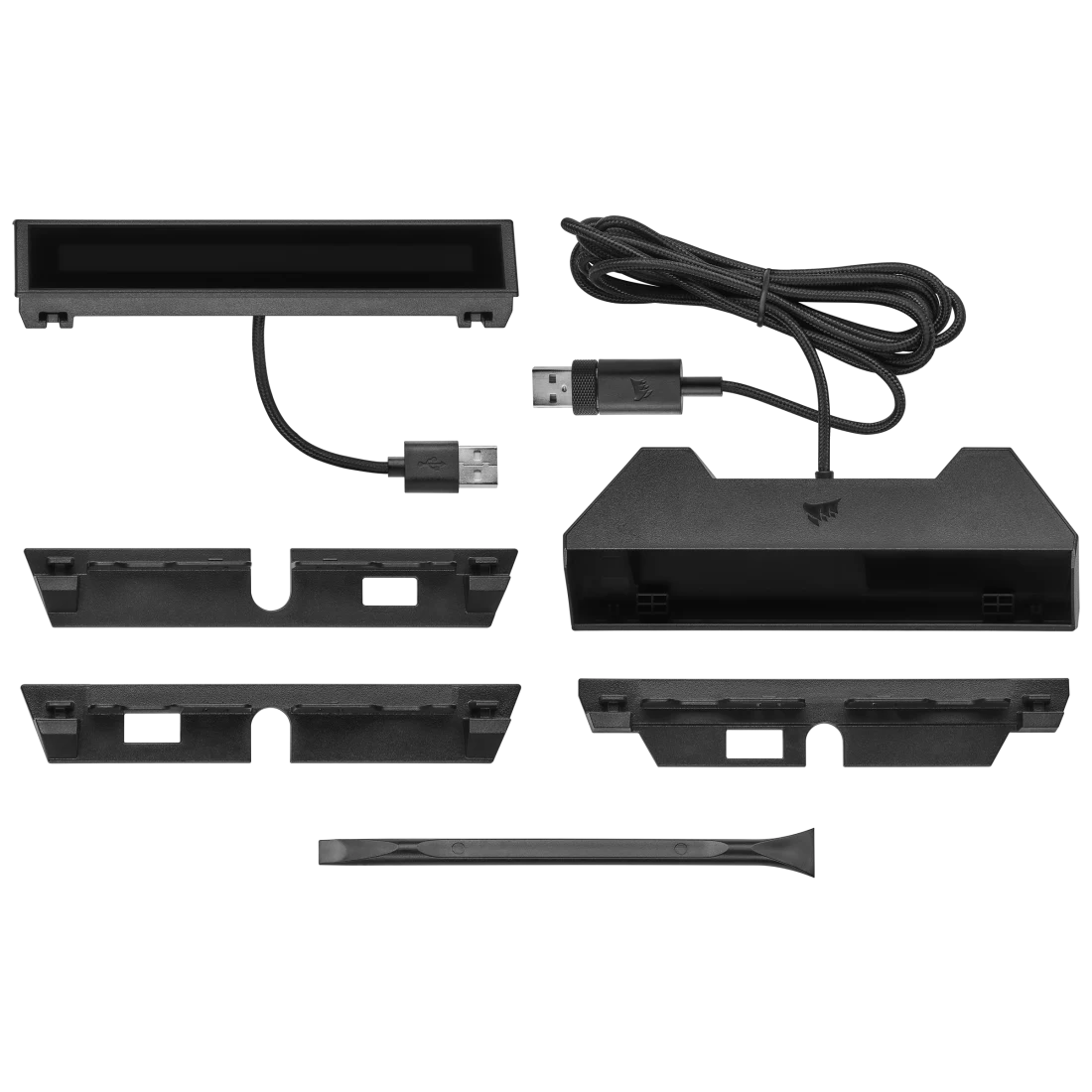
No, the iCUE NEXUS is a standalone device. While it is designed to integrate seamlessly with Corsair keyboards, it can be used as a separate unit on your desk using the included base.
You can monitor real-time system metrics such as CPU and GPU temperatures, fan speeds, and system voltages. This data is pulled directly from the iCUE software, allowing you to keep an eye on your PC's health at a glance.
Not at all. The interface uses a drag-and-drop system within the iCUE software, making it straightforward to assign macros, create custom buttons, or arrange your monitoring widgets exactly how you want them.
No, the iCUE NEXUS is only compatible with Windows operating systems. It requires the Corsair iCUE software to function, which is not currently supported on macOS or Linux.
The iCUE NEXUS connects via a standard USB-A cable. It is powered directly through the USB connection, so you do not need an external power adapter.

Still have a question?
Ask Hayley anything about this product before you decide.
Ready to buy?
$100