


 StarTech.com
StarTech USB C Dock - 4K Dual Monitor DisplayPort Docking Station
Best dual-monitor solution for Windows laptop users needing efficient workstation connectivity.

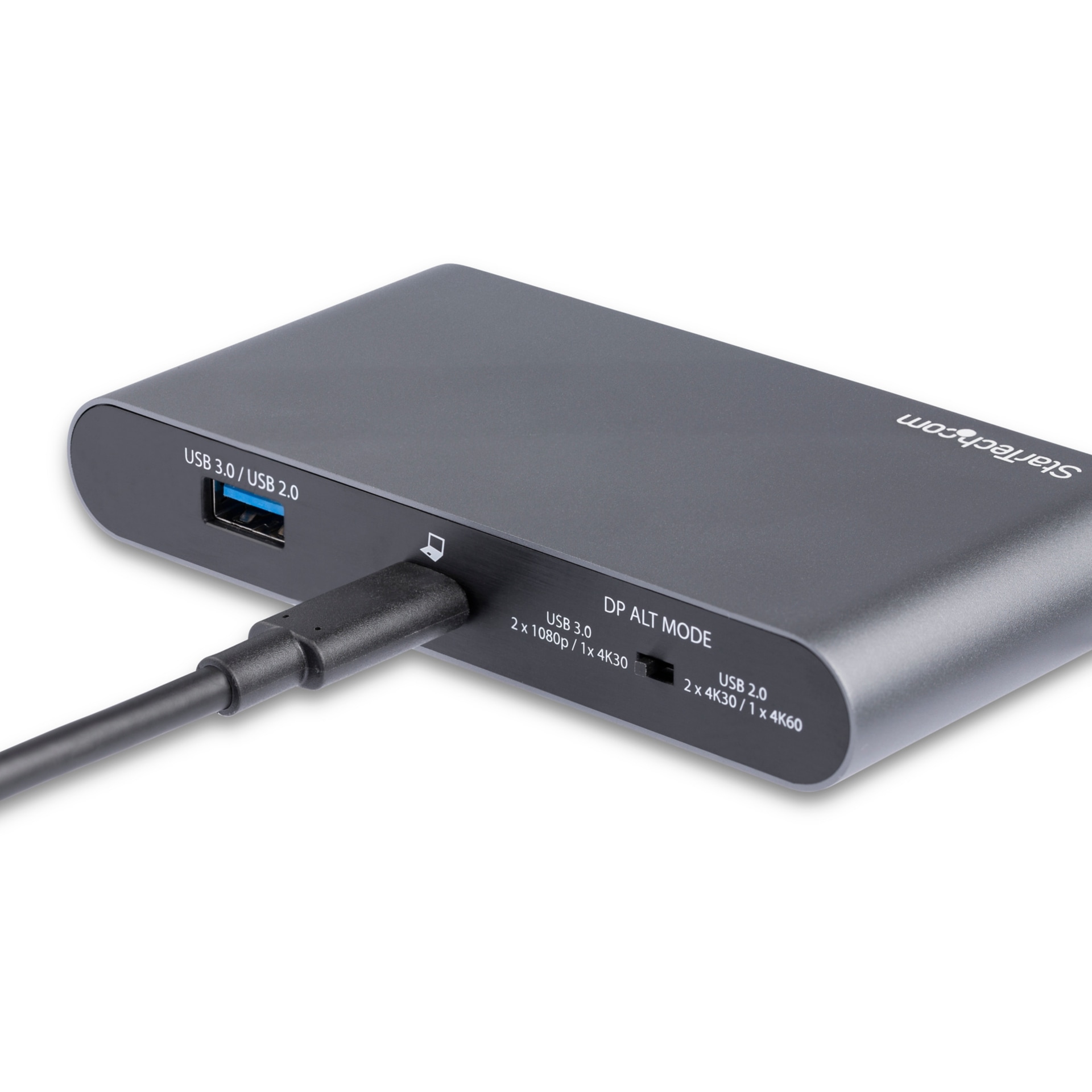
Enhance your laptop's capabilities with this versatile USB-C docking station, designed to expand connectivity and productivity. It supports dual DisplayPort monitors, offering flexible display configurations up to dual 1080p or a single 4K 60Hz output. Connect your essential peripherals via two USB-A ports and ensure a stable internet connection with the Gigabit Ethernet port. This dock provides up to 100W of Power Delivery passthrough, keeping your laptop charged. It's an ideal solution for Windows and Chrome OS users seeking to create a more robust workstation, though MacBooks are limited to single-monitor output.
$61.99
Owner Satisfaction
4.2
/ 5
Category Rank
520
/ 857
#520 in Laptop Docking Stations
Price vs Category Average
-70%
Below average
Brand
.
/ StarTechcom
Who it's for
- Multitasking professionals needing expansive screen real estate
- Remote workers wanting a clean, single-cable desk setup
- IT managers requiring stable, business-grade hardware reliability
Who should skip it
- Users without the patience for occasional driver troubleshooting
- Power users requiring extensive ports and integrated card readers
- Budget-conscious shoppers looking for basic, entry-level connectivity
Performance breakdown
Power Delivery
Robust 100W passthrough keeps even power-hungry laptops fully charged during use.
Display Versatility
Excellent dual-monitor support for Windows, though macOS users face significant limitations.
Connectivity Density
Essential ports are present, but the lack of audio jacks limits utility.
Portability
Compact, lightweight frame makes this an ideal companion for mobile workstations.
Network Reliability
Gigabit Ethernet and MAC address management ensure stable, secure office connectivity.
Setup Simplicity
Driverless MST technology allows for a seamless plug-and-play multi-monitor experience.
Key Specs
Brand
StarTech.com
Host Interface
USB 3.0 Type C
Connectivity Technology
Wired
DisplayPort Outputs
2
Network (RJ-45)
Yes
Total USB Ports
4
USB 2.0 Ports
1
USB 3.0 Ports
2
Know before you buy
Yes, it is compatible with MacBooks, but please note that macOS is limited to a single monitor output. You will not be able to extend your desktop across two external displays using this dock on a Mac.
Yes, it supports 100W Power Delivery 3.0 passthrough. As long as your laptop supports USB-C charging, the dock will power and charge your device while you use it.
You can achieve a single 4K display at 60Hz or dual 1080p displays. This makes it a great choice for standard office setups or high-resolution single-screen workstations.
No, this dock uses Multi-Stream Transport (MST) technology, which allows for a driverless, plug-and-play setup for dual monitors on compatible Windows and Chrome OS devices.
The MAC Address Changer utility is a network management tool that allows you to spoof or change the MAC address of the dock's Ethernet port. This is particularly useful for IT departments that need to bypass network security filters or manage device access on corporate networks.
No, this specific model does not feature a dedicated 3.5mm audio port. You will need to connect your headphones or speakers directly to your laptop or via a USB peripheral.

Still have a question?
Ask Hayley anything about this product before you decide.