

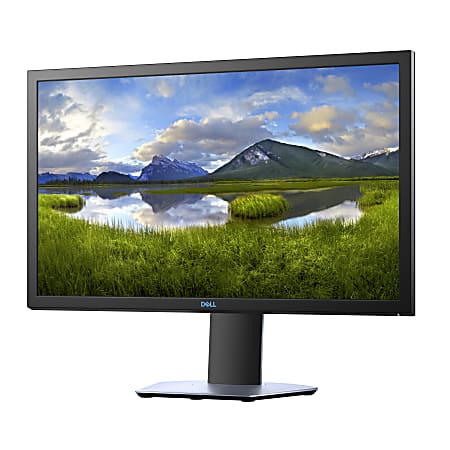
Dell 24-inch Monitor
Best reliable display for everyday productivity and media enjoyment.

Immerse yourself in gaming with the Dell S2419HGF monitor. This 24-inch display boasts a Full HD resolution for sharp visuals and a rapid 144Hz refresh rate with a 1ms response time, ensuring fluid motion and eliminating blur. AMD FreeSync technology synchronizes your graphics card and monitor to prevent screen tearing and stuttering, providing a seamless experience. The adjustable stand allows for personalized ergonomic comfort, making long gaming sessions more enjoyable. With versatile HDMI and DisplayPort connectivity, this monitor is ready for your setup.
$287.99
More S Series Options

Dell 27 4K UHD Monitor - S2721QS
$494.00
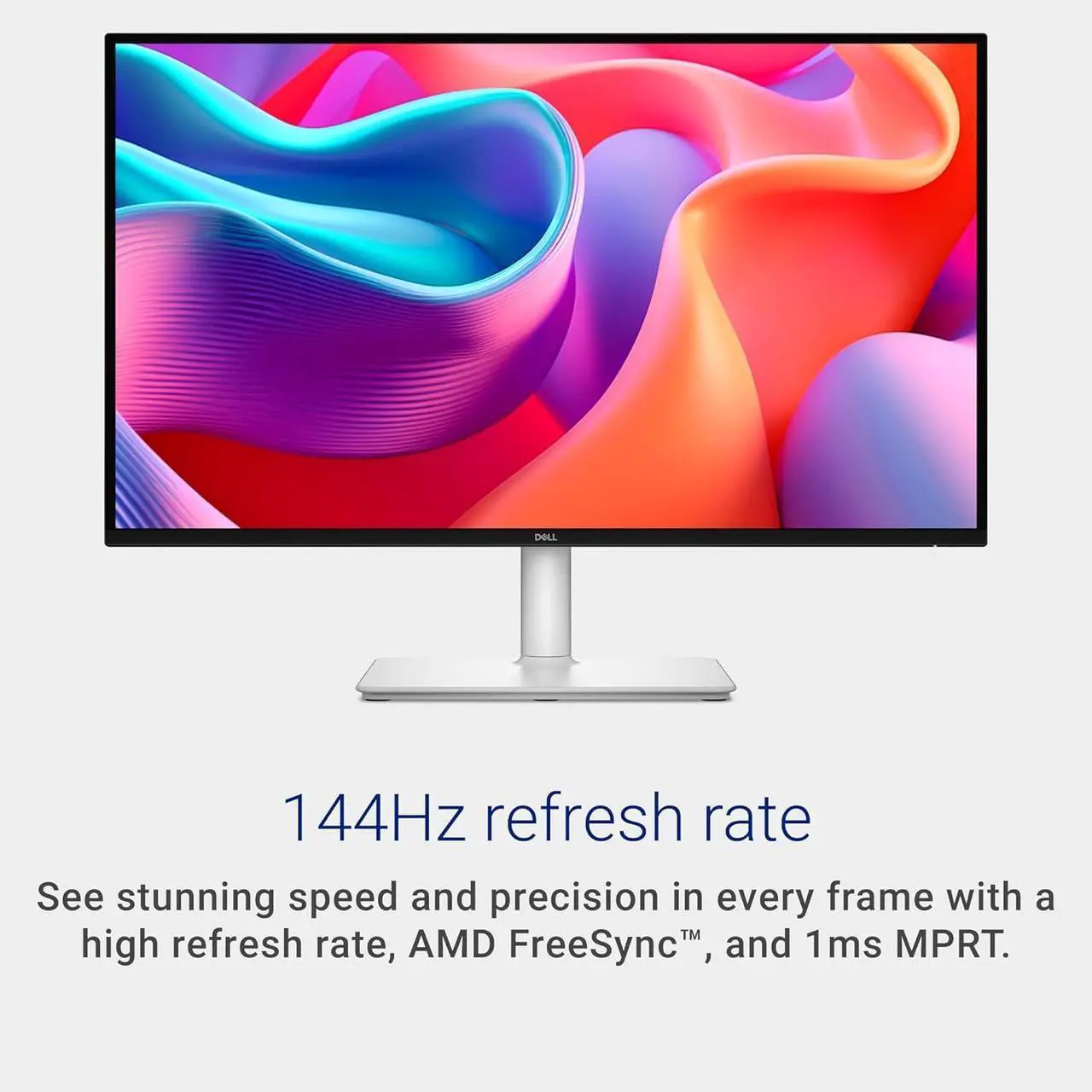
Dell 27 Plus QHD USB-C Monitor
$240.00

Dell S2716DG Gaming Computer Monitor
$1025.00
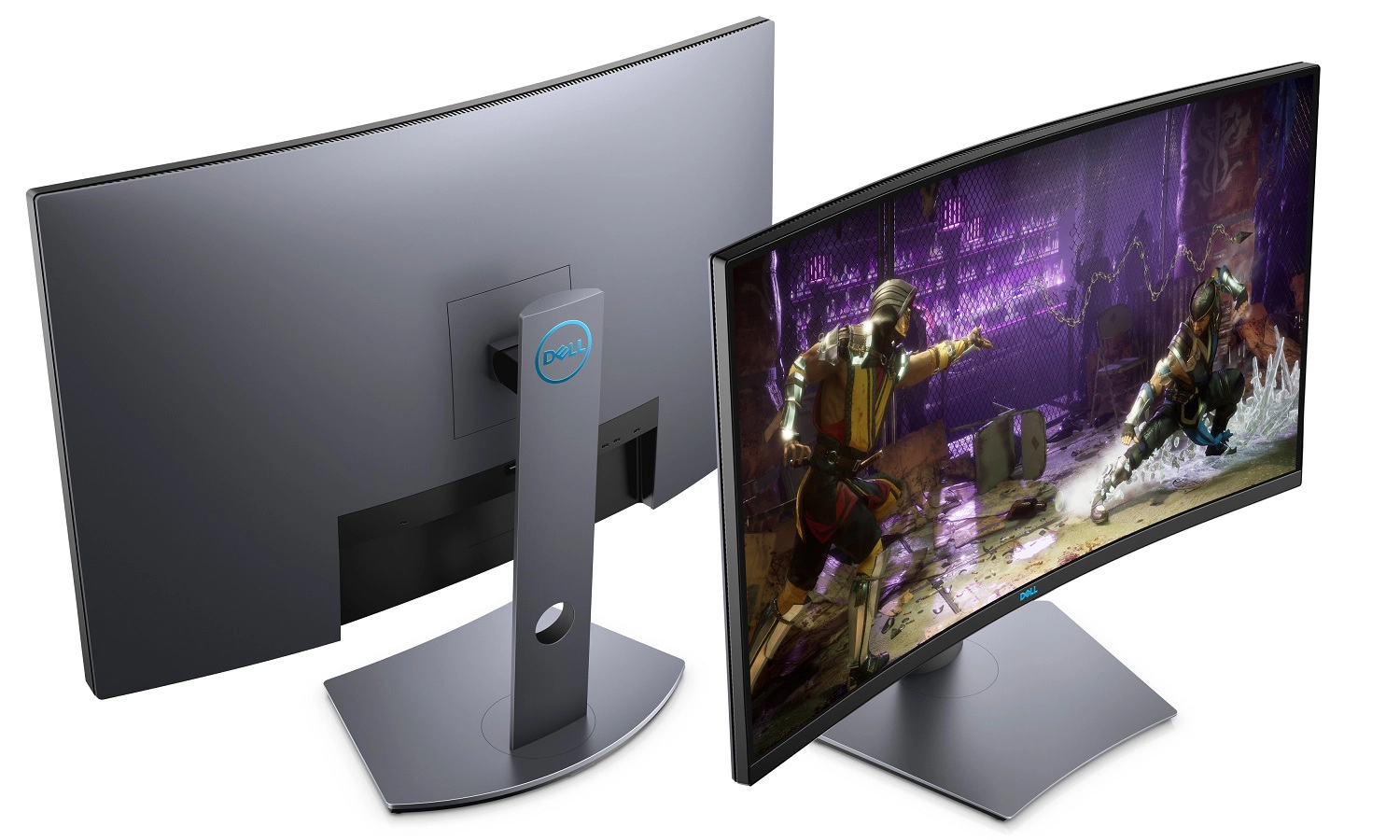
Dell S3220DGF
$599.99
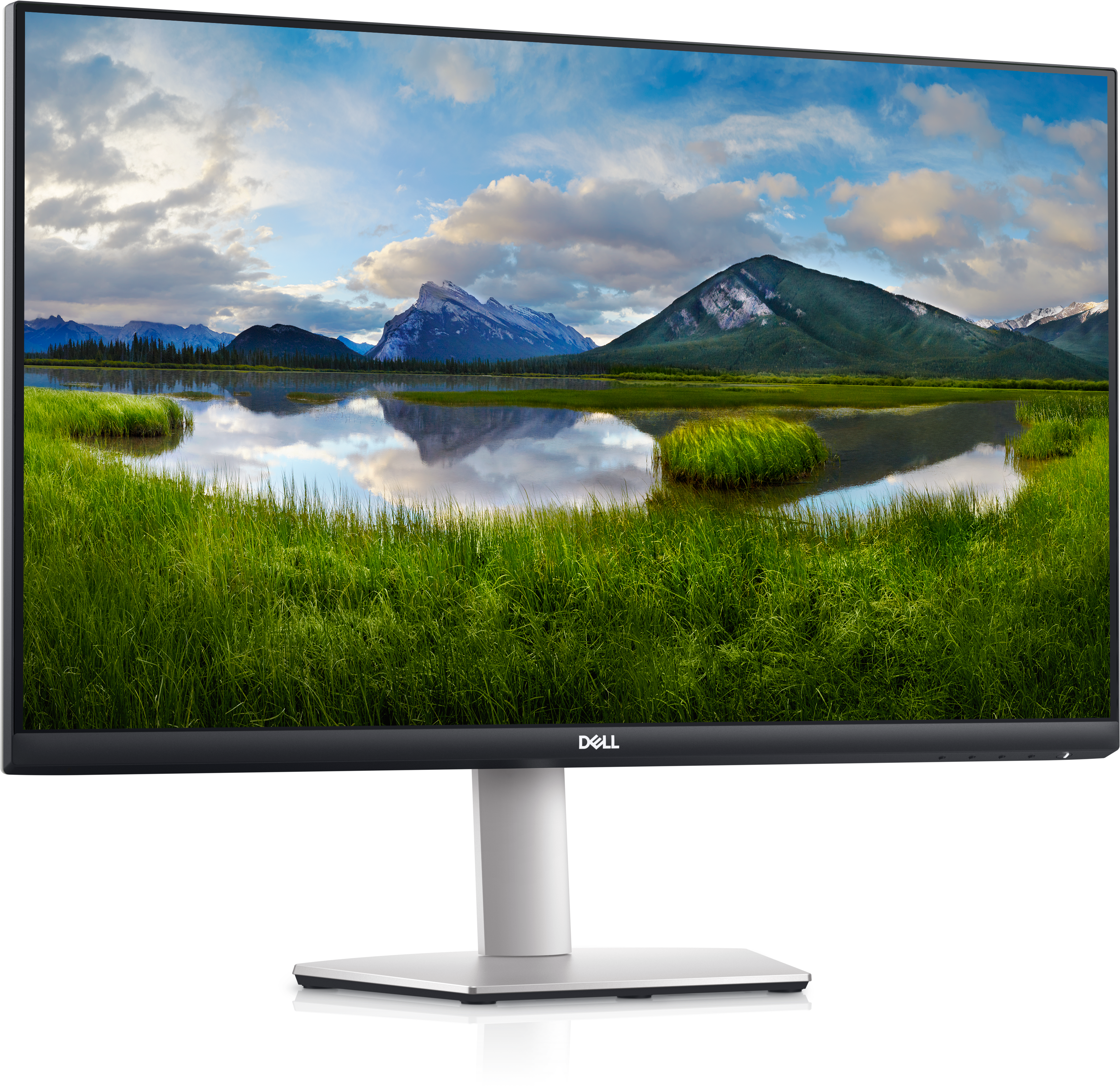
Dell 27 Monitor - S2721DS
$239.99

Dell 27 Gaming Monitor
$119.99
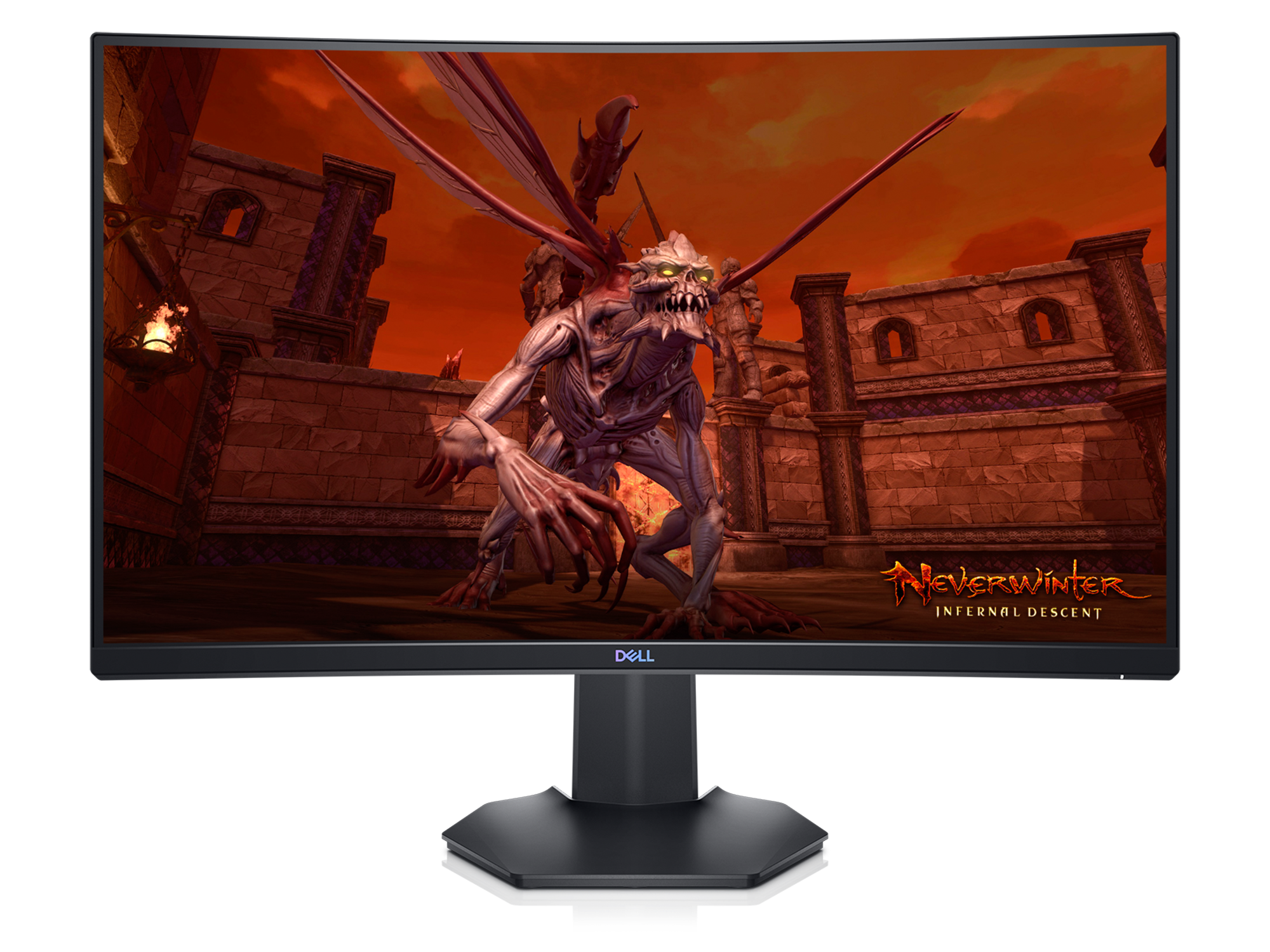
Dell 27 Curved Gaming Monitor
$69.99

Dell 27 Monitor - S2725H
$149.99
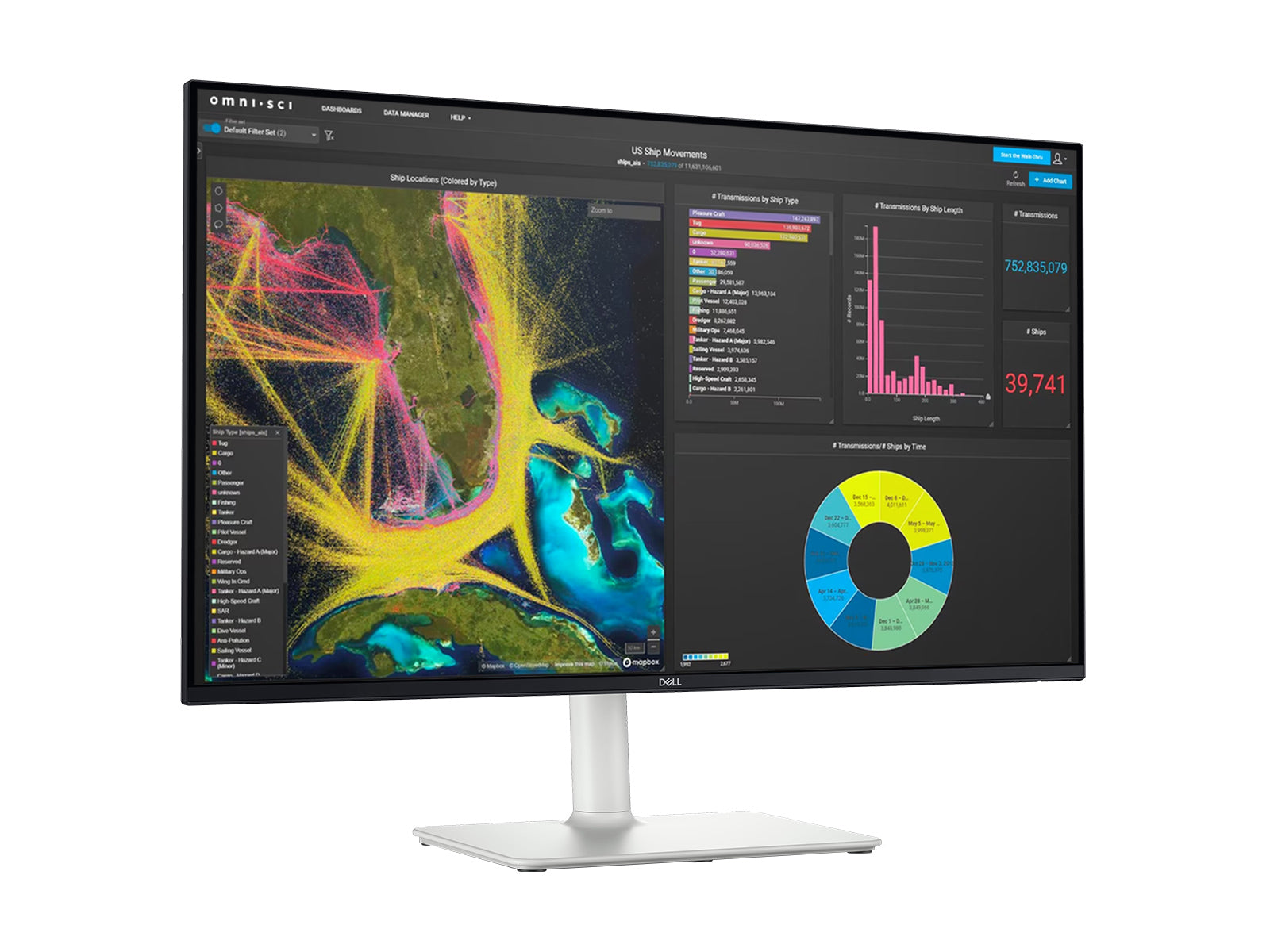
Dell S2725HS
$249.99
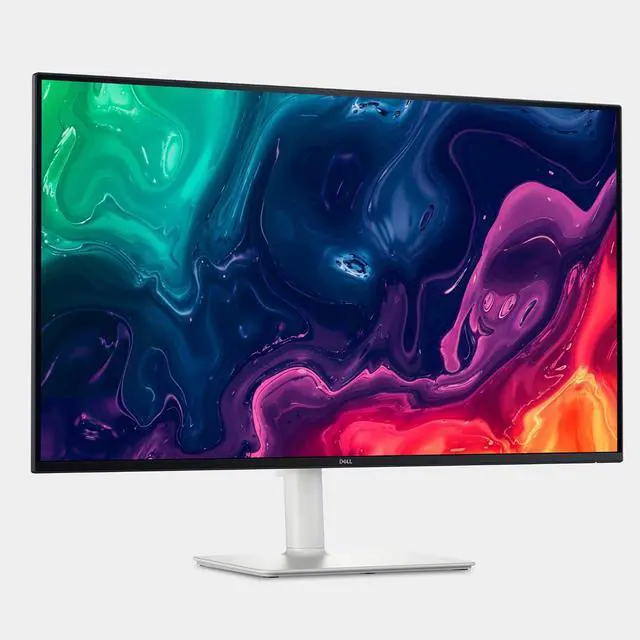
Dell 32 Plus 4K Monitor
$329.00
Owner Satisfaction
4.5
/ 5
Category Rank
373
/ 3545
#373 in Computer Monitors
Price vs Category Average
-55%
Below average
Screen Size
24
/ inches
Who it's for
- Everyday users seeking a trustworthy and durable display.
- Office workers and students prioritizing comfortable viewing.
- Budget-conscious buyers needing a reliable everyday monitor.
Who should skip it
- Gamers and creative professionals requiring specialized display capabilities.
- Style-conscious individuals desiring a more visually striking setup.
- Graphic designers and photographers needing precise color reproduction.
Performance breakdown
Motion Clarity
The 144Hz refresh rate and 1ms response time ensure fluid gameplay.
Ergonomic Flexibility
Full height, tilt, swivel, and pivot adjustments cater to any setup.
Visual Fidelity
Full HD resolution is standard, though TN panel technology limits viewing angles.
Gaming Synchronization
AMD FreeSync effectively eliminates screen tearing during high-intensity gaming sessions.
Connectivity Options
Essential HDMI and DisplayPort inputs cover the needs of most gamers.
Eye Comfort
Flicker-free technology and low blue light settings reduce fatigue during use.
Key Specs
Screen Size
24 inches
Display Resolution
1920 x 1080 pixels
Aspect Ratio
16:9
Panel Type
TN
HD Type
Full HD
Display Technology
LCD
Screen Shape
Flat
Contrast Ratio
1000:1
Features
- Experience fluid gameplay with a 144Hz refresh rate
- Enjoy sharp, responsive visuals with 1ms response time
- Eliminate screen tearing with AMD FreeSync
- Customize your viewing with an adjustable stand
- Crisp visuals with Full HD resolution
- Connect easily with HDMI and DisplayPort
- Comfortable viewing with flicker-free technology
- Reduced eye strain with Low Blue Light
What customers say
Customers consistently praise this monitor for its impressive display quality and exceptional value. Users frequently highlight the sharp image clarity and vibrant colors, making it suitable for both professional tasks and casual media consumption. Many appreciate its straightforward setup and reliable performance, confirming it as a dependable choice. The monitor is often seen as a smart investment, delivering a premium viewing experience without a premium price tag. Its consistent performance and visual appeal make it a highly regarded option among users seeking a balance of quality and affordability.
Know before you buy
Yes, it is well-suited for competitive play. The 144Hz refresh rate and 1ms response time work together to provide fluid motion and minimal input lag, which are essential for fast-paced titles.
While this monitor features AMD FreeSync, it can still be used with NVIDIA graphics cards. However, you may not be able to utilize the FreeSync variable refresh rate feature unless the specific NVIDIA card supports G-Sync Compatible mode over DisplayPort.
The stand is highly adjustable, allowing you to tilt, swivel, pivot, and change the height. This makes it easy to find a comfortable viewing angle or align it with other monitors in a multi-screen setup.
This monitor uses a TN (Twisted Nematic) panel, which is chosen primarily for its speed and low response times. While it excels at gaming performance, it may have narrower viewing angles and less color accuracy compared to IPS or VA panels.
Yes, the monitor includes both HDMI and DisplayPort inputs. You can keep two devices connected simultaneously and switch between them using the monitor's input settings.

Still have a question?
Ask Hayley anything about this product before you decide.