

 IOGEAR
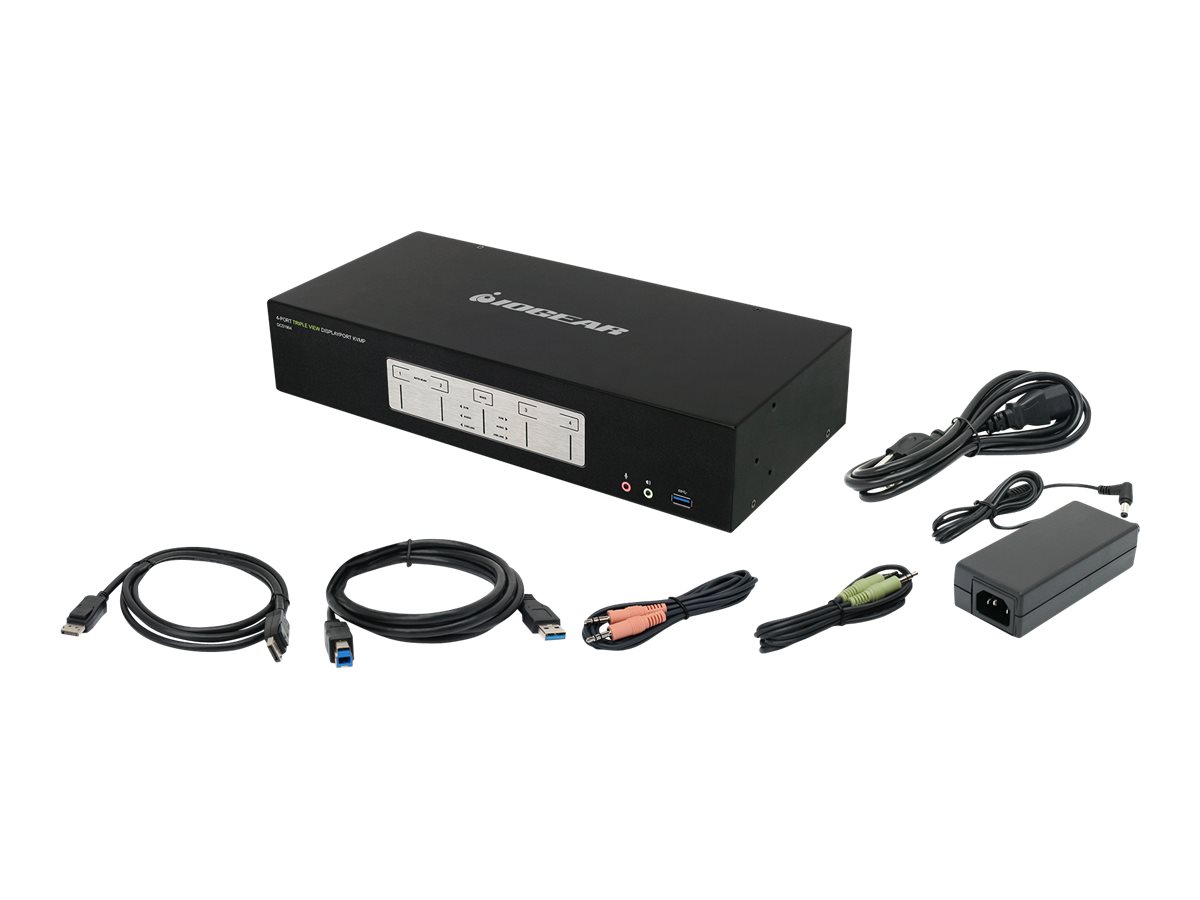
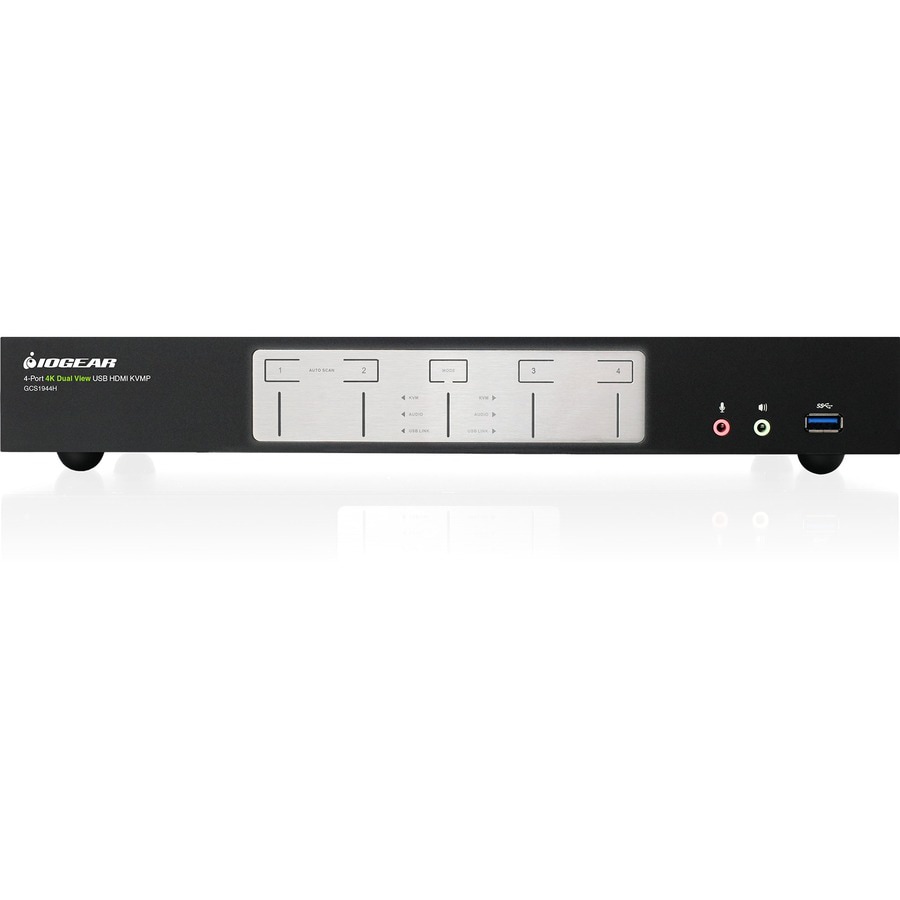
4-Port USB 3.0 DisplayPort KVM Switch

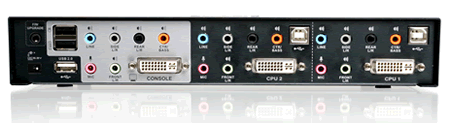
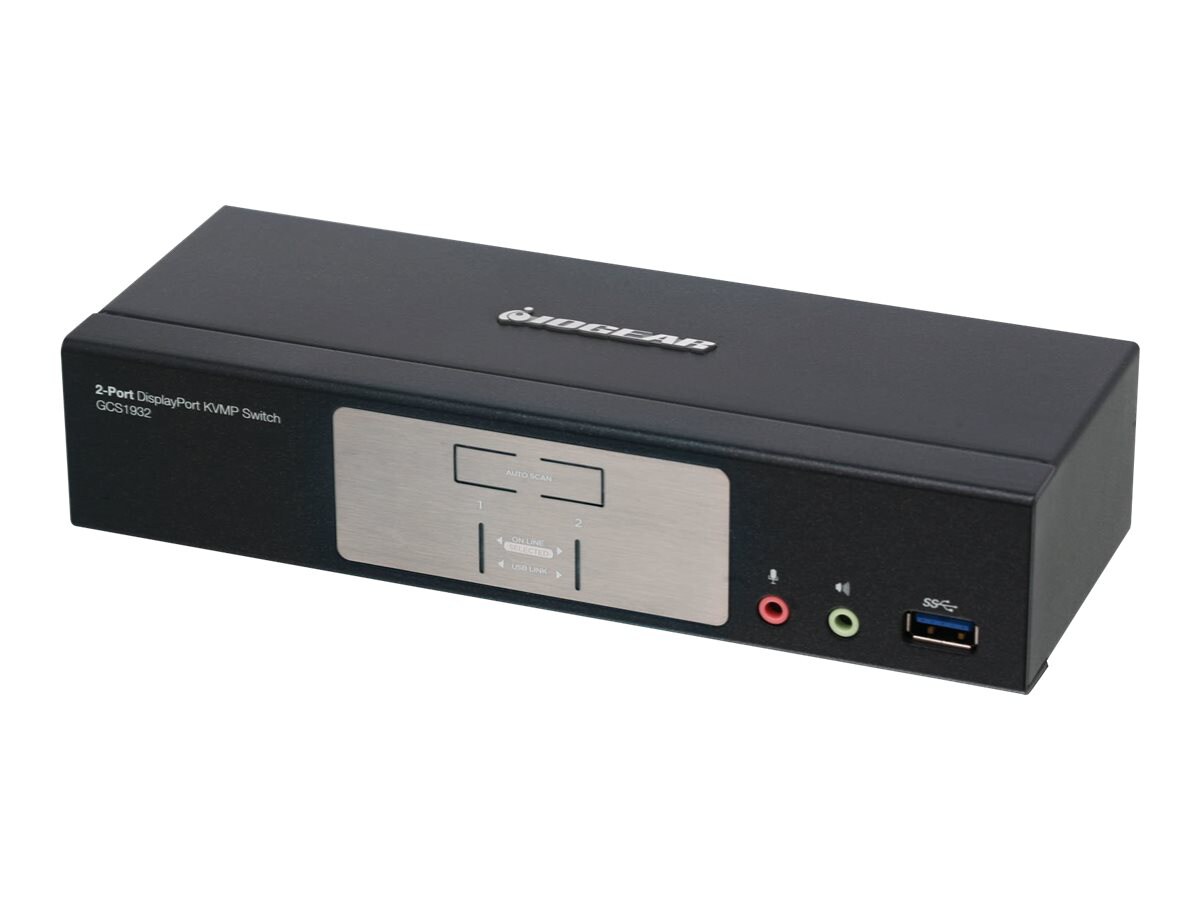
Elevate your multi-monitor setup with the IOGEAR 4-Port 4K Triple View KVMP Switch. Seamlessly control up to four DisplayPort computers from a single console, sharing your keyboard, mouse, and high-speed USB 3.0 peripherals. Experience stunning triple monitor configurations up to 4K resolution at 60Hz and immersive 7.1 surround sound, perfect for creative professionals and power users. This switch enhances productivity across Windows, Mac, and Linux platforms with independent switching of KVM, USB, and audio for ultimate flexibility and a streamlined workflow.
$728.00


Owner Satisfaction
4.2
/ 5
Category Rank
951
/ 1363
#951 in KVM Switches
Price vs Category Average
-33%
Below average
Number of Ports
4
Who it's for
- High-Resolution DisplayPort Support
- Integrated USB 3.0 Peripheral Sharing
- Flexible Switching Options
Who should skip it
- High Price Point
- Extensive Cable Management Required
- Potential Peripheral Emulation Issues
Key Specs
Number of Ports
4
Video Resolution Support
4096 x 2160 @ 60 Hz (4K DCI)
USB Hub Ports
2 (USB 3.0)
Compliance
HDCP compliant, FCC Part 15 B, LVD, R&TTE
Keyboard/Mouse Interface
USB
Included Cables
6x DisplayPort, 2x SuperSpeed USB, 2x audio
Power Consumption
15.49 W
Operating Temperature
32 to 72°F (0 to 40°C)
Features
- Control four DisplayPort computers from one setup
- Supports triple monitor workstations up to 4K
- Share USB 3.0 peripherals across systems
- Independent switching of KVM, USB, and audio
- Optimizes resolution with Video DynaSync
- Expandable to six 4K monitors
- Supports collision-free N-key Rollover
- Compatible with Windows, Mac, and Linux
What customers say
Customers highly value this IOGEAR KVM switch for streamlining multi-computer workflows. The ability to seamlessly switch between four DisplayPort computers while maintaining crisp 4K 60Hz resolution is a major benefit for professionals and gamers. Users frequently praise the integrated USB 3.0 ports, which reliably support high-bandwidth peripherals, enhancing overall functionality beyond basic KVMs. Build quality is considered solid, and setup is generally straightforward. While most users report excellent efficiency via hotkey switching, a few isolated reports mention minor compatibility quirks with specific monitors or graphics cards during transitions. Overall, the device is seen as a highly functional and valuable tool for consolidating workstations and achieving a cleaner desk setup.

Still have a question?
Ask Hayley anything about this product before you decide.