

 IOGEAR
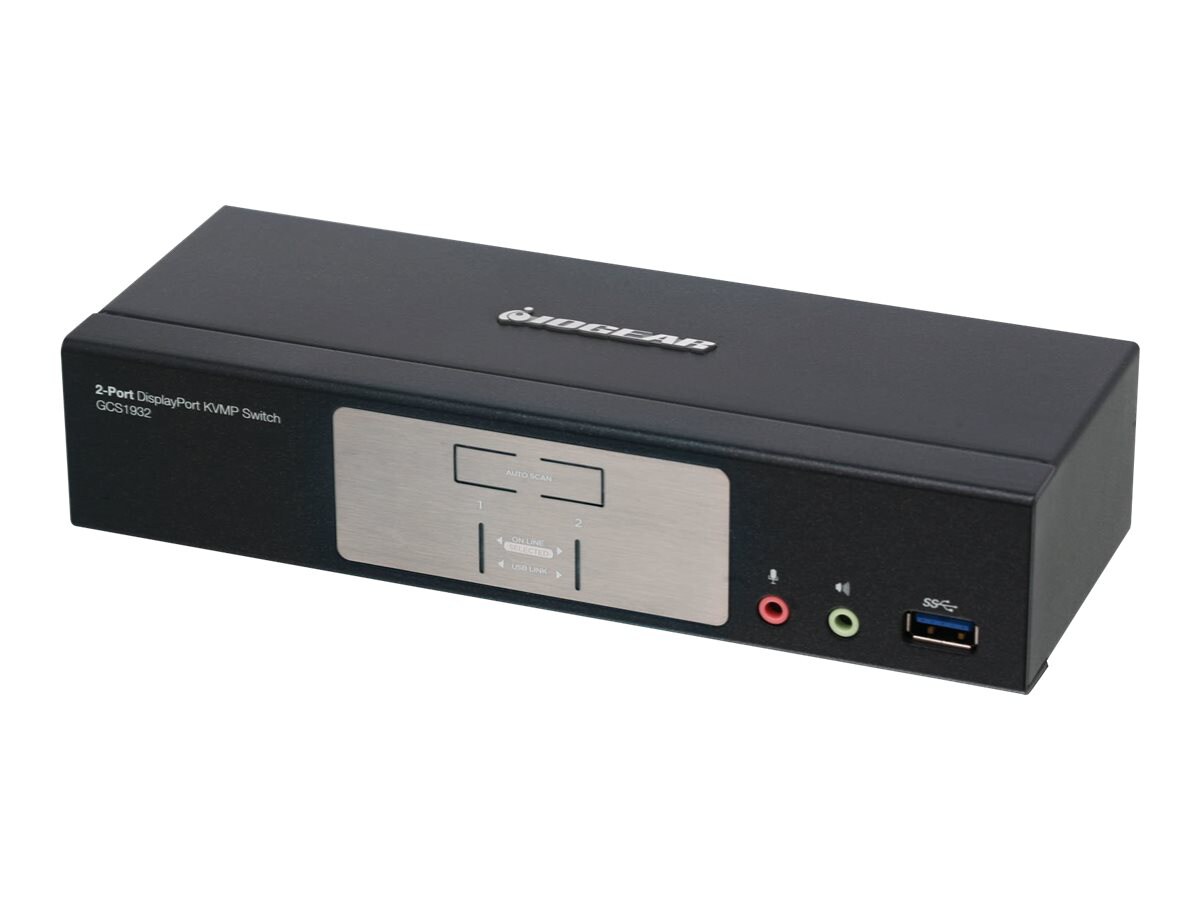
IOGEAR 2-Port USB DisplayPort KVM Switch

Streamline your workspace with the IOGEAR GCS1932, a high-performance 2-Port DisplayPort 1.2 KVMP Switch. Effortlessly manage two computers from a single console, sharing your monitor, keyboard, mouse, and USB peripherals. Experience stunning True 4K DCI resolution and enjoy enhanced connectivity with the integrated USB 3.1 Gen 1 hub for faster data transfers. This TAA-compliant switch also includes dedicated audio connections, making it an ideal solution for professional environments demanding efficiency and superior performance.
$115.71


Owner Satisfaction
3.5
/ 5
Category Rank
1334
/ 1363
#1334 in KVM Switches
Price vs Category Average
-89%
Below average
Maximum resolution
40962160
/ x pixels
Who it's for
- High-Definition Display Support
- Efficient Workspace Consolidation
- Quick and Reliable Switching
Who should skip it
- Higher Price Point
- Potential USB Compatibility Issues
- Complex Cabling Requirements
Key Specs
Maximum resolution
4096 x 2160 pixels
Number of computers controlled
2
Video port type
DisplayPort
USB version supported
3.0 (3.1 Gen 1)
Console ports include
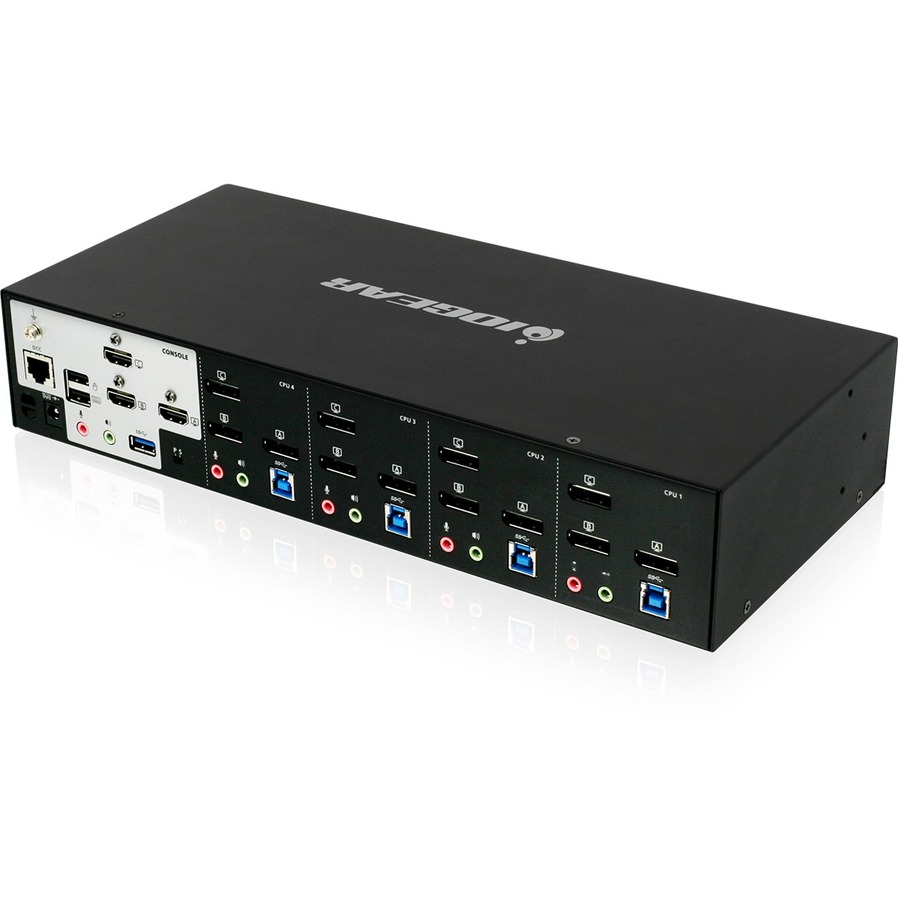
DisplayPort, 2x USB A, 3.5mm audio jacks
Dimensions
200 mm (W) x 42.9 mm (D) x 74.7 mm (H)
Weight
662 g (1.46 lbs)
Power Supply
5 V output voltage
Features
- Control two DisplayPort computers with one set of peripherals
- Supports stunning True 4K DCI resolution
- Integrated USB 3.1 Gen 1 hub for peripherals
- Dedicated audio switching capabilities
- Easy push-button switching between computers
- TAA Compliant for professional use
- Expands peripheral connectivity efficiently
- Supports Windows, Linux, and Mac OS
What customers say
Customers value this KVM switch primarily for its ability to streamline dual computer setups, effectively reducing cable clutter. The DisplayPort connectivity is a major advantage, supporting high resolutions crucial for modern displays. Sharing USB peripherals like keyboards and mice between two systems significantly enhances productivity and workspace organization. However, a recurring concern involves compatibility issues. Some users report flickering or signal drops, particularly with specific high refresh rate monitors or advanced graphics cards. Switching speed is occasionally noted as slow. Despite these minor hurdles, for standard office use where extreme gaming performance is not the focus, this device is generally viewed as a functional and space-saving solution.

Still have a question?
Ask Hayley anything about this product before you decide.