

 Focusrite
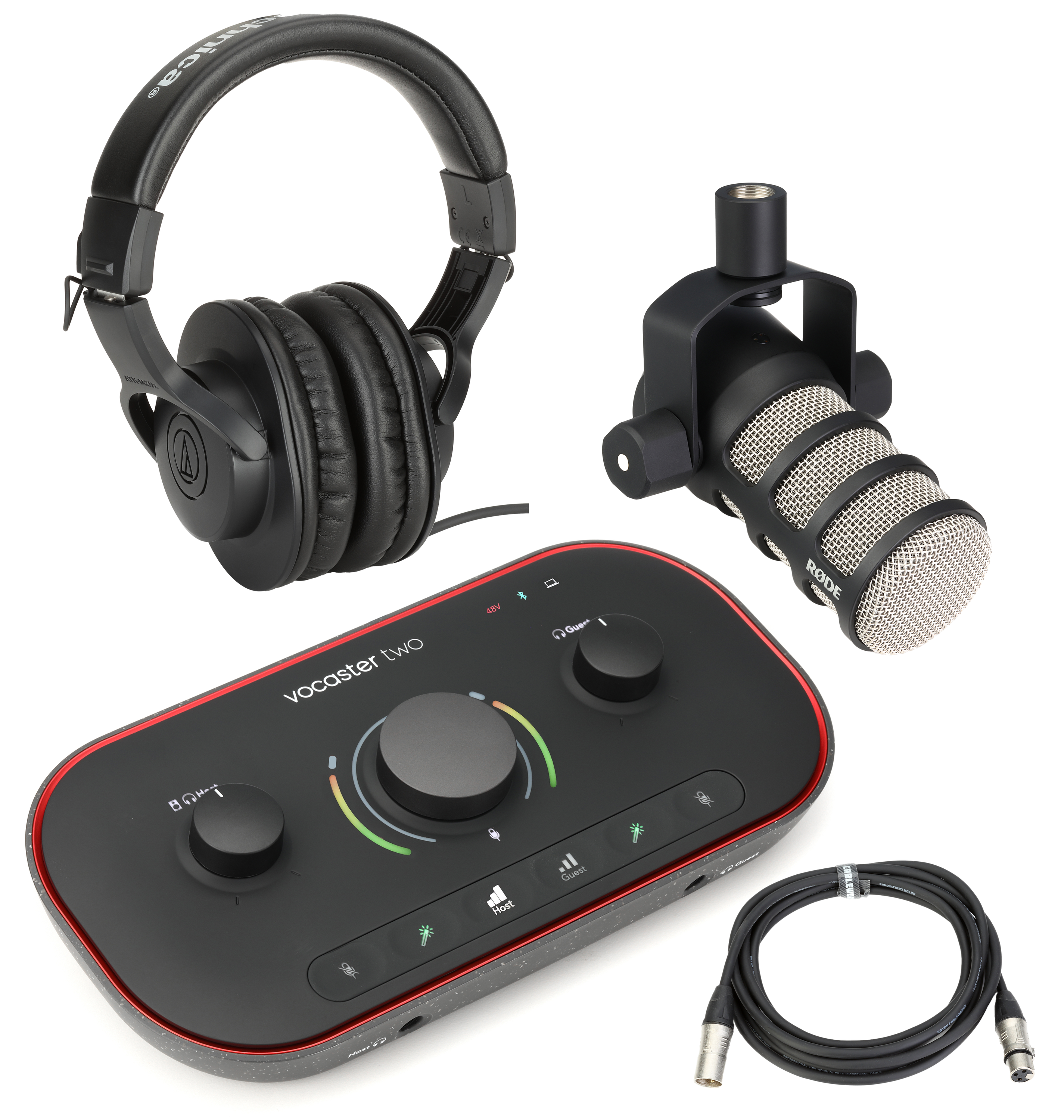
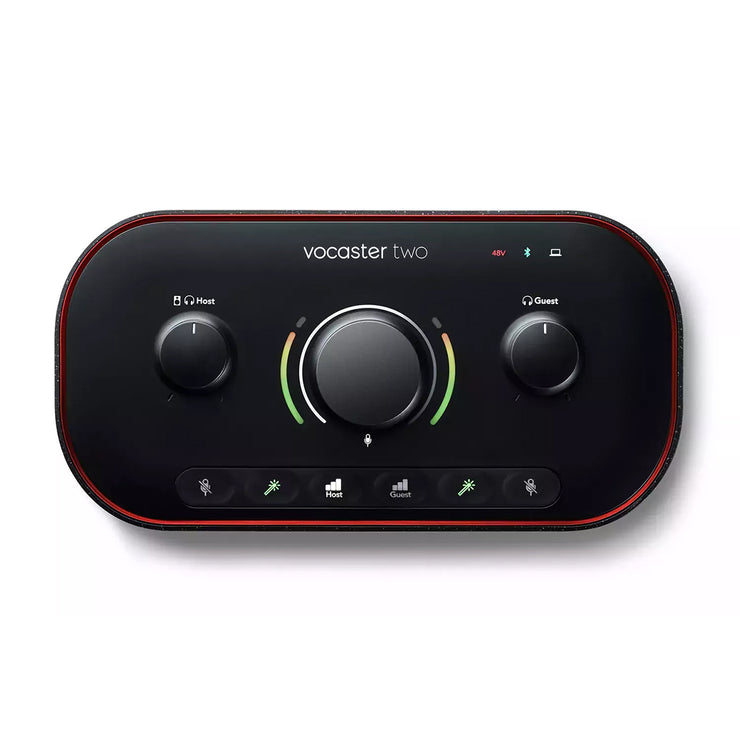
Focusrite Vocaster Two Podcast Interface
Best dual-input interface for podcasters recording interviews with guests.

Elevate your podcasting with the Focusrite Vocaster Two Studio, a dedicated audio interface built for creators. This unit offers pristine audio capture with two XLR inputs, perfect for interviews or co-hosts. Effortlessly manage your sound with intuitive controls for preamp gain, speaker, and headphone volume. Connect microphones, headphones, and even your phone for seamless integration. Powered by USB-C, it provides a straightforward setup for high-quality audio production, ensuring your voice sounds its best.
$249.99
More Vocaster Options

Owner Satisfaction
4.6
/ 5
Category Rank
125
/ 439
#125 in Audio Cards & Adapters
Price vs Category Average
-78%
Below average
Microphone Inputs
2
/ x XLR
Who it's for
- Novice podcasters needing quick, professional vocal quality
- Content creators frequently hosting remote guests via mobile devices
- Users pairing the interface with power-hungry dynamic microphones
Who should skip it
- Musicians requiring instrument inputs or MIDI connectivity
- Producers preferring tactile, hands-on control over software menus
- Laptop users concerned about battery drain or power stability
Performance breakdown
Ease of Setup
USB-C bus power makes getting started incredibly fast and clutter-free.
Preamp Clarity
Clean gain staging ensures your voice remains crisp without unwanted noise.
Interface Ergonomics
Tactile controls and RGB feedback make adjustments intuitive during live recording.
Connectivity Versatility
Dedicated mobile and camera ports simplify multi-platform content creation.
Dual-Host Capability
Independent headphone outputs provide perfect monitoring for both host and guest.
Build Portability
Lightweight and compact design fits easily into any mobile podcasting kit.
Key Specs
Microphone Inputs
2 x XLR
Speaker Outputs
2 x 1/4" balanced TRS
Headphone Outputs
2 x 1/4"
Mobile Connection
1 x 3.5mm TRRS
Camera Output
1 x 3.5mm TRS
Power Connection
USB-C
Dimensions
224.5mm x 113mm x 50.5mm
Weight
0.42kg
Features
- Dedicated master preamp gain control
- Intuitive tactile buttons with RGB backlight
- Separate volume controls for speakers and headphones
- High-quality audio capture for podcasts
- Dual headphone outputs for hosts and guests
- USB-C powered for simple connectivity
- Studio package for immediate setup
- Clear LED feedback for labels and meters
What customers say
The Focusrite Vocaster Two excels in ease of use, making professional podcast audio simple. Its plug and play setup, aided by Auto Gain for optimized levels, is consistently praised. The clear, broadcast ready sound quality, thanks to Focusrite preamps, enhances production value. Integrated guest inputs and loopback functionality streamline workflows. While some may want more manual control, the Vocaster Two is widely seen as an ideal tool for most podcasters, effectively balancing simplicity with professional audio results.
Know before you buy
Yes, the Vocaster Two features two XLR inputs, allowing you to connect two separate microphones for interviews or co-hosted podcasts.
No, the device is bus-powered via USB-C. You can connect it directly to your computer, and it will draw the necessary power to operate without needing a wall outlet.
Yes, the unit includes a dedicated 3.5mm TRRS mobile connection. This allows you to easily route audio from your phone into your podcast setup or record phone calls.
The Vocaster Two provides two 1/4" headphone outputs, allowing both the host and guest to monitor their audio. You have separate volume controls for your headphones and speakers to ensure everyone can set their preferred listening levels.
Yes, the two XLR inputs are designed to handle standard professional microphones. The interface provides the necessary preamp gain to ensure your voice is captured clearly.
Yes, the device features a 3.5mm TRS camera output. This allows you to send high-quality audio directly to your camera for video recording, bypassing the need for complex post-production syncing.

Still have a question?
Ask Hayley anything about this product before you decide.