

 Focusrite
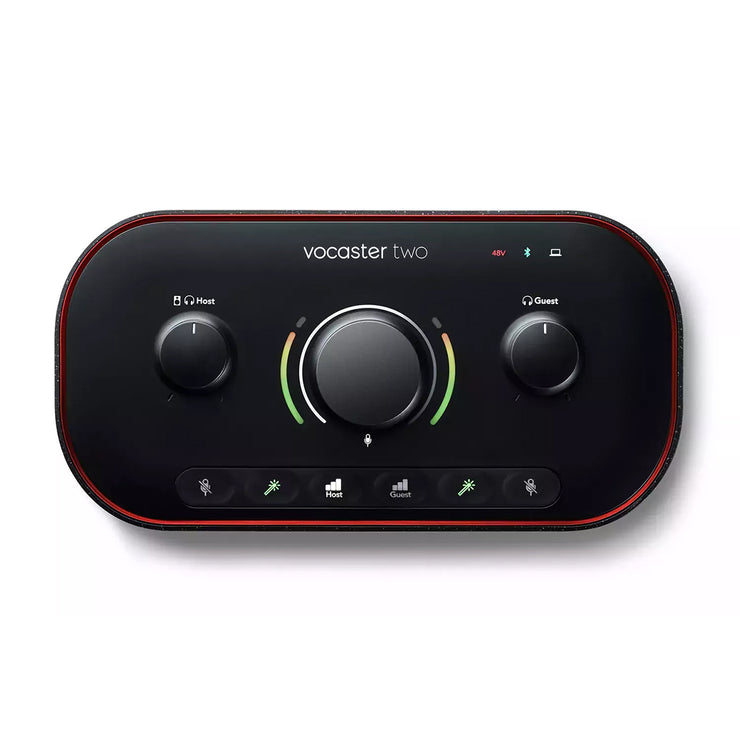
Focusrite Vocaster Two

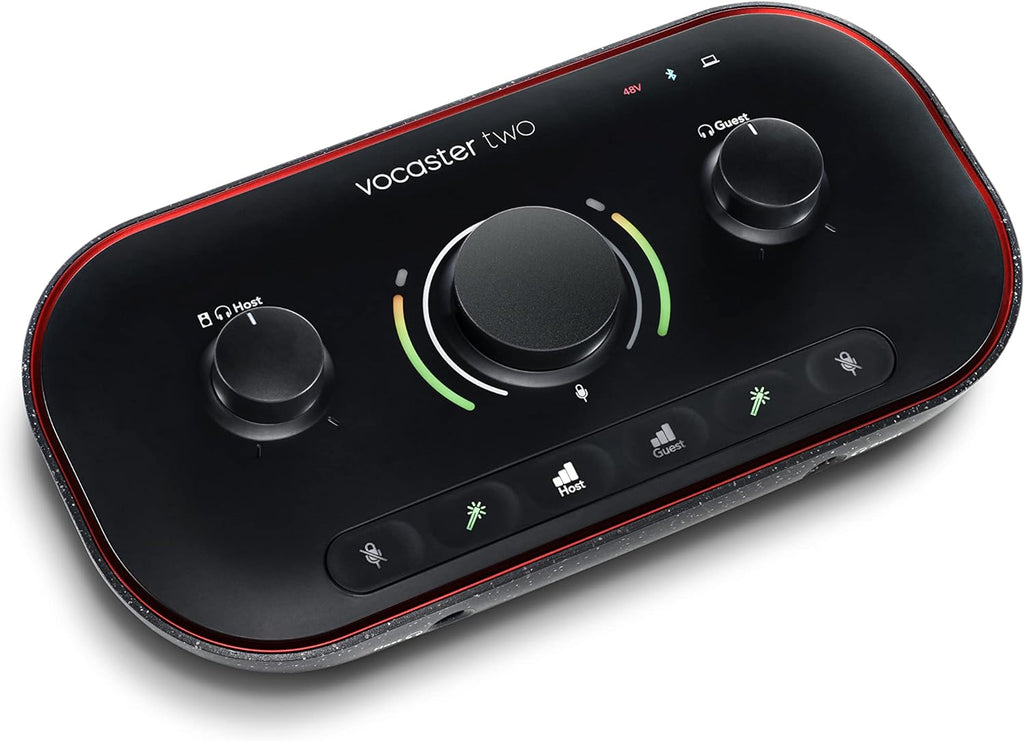
Elevate your podcast with the Focusrite Vocaster Two, an audio interface designed for seamless two-person broadcasting. Achieve studio-quality sound effortlessly thanks to Auto Gain and Enhance features with podcaster-approved presets. Connect two microphones and two sets of headphones for clear monitoring and communication. Integrate phone calls via Bluetooth and add music or sound effects using Stereo Loopback. Its intuitive design and USB power make setup simple, ensuring you sound professional in seconds.
$249.99

Owner Satisfaction
4.3
/ 5
Category Rank
320
/ 439
#320 in Audio Cards & Adapters
Price vs Category Average
-78%
Below average
Number of mic inputs
2
Who it's for
- Effortless Setup & Sound
- Dedicated Podcasting Features
- Clear, Quality Audio
Who should skip it
- Niche Functionality
- Simplistic Audio Control
- Premium Price for Specificity
Key Specs
Number of mic inputs
2
Mic input gain range
70dB
Number of headphone outputs
2
Form Factor
Desktop
Host Interface
USB-C
Audio Channels Supported
Stereo
Input Port Types
XLR, 3.5mm TRRS
Output Port Types
6.35mm Jack, 3.5mm Jack
Features
- Broadcast quality sound for podcasts
- Auto Gain sets levels instantly
- Enhance button for vocal clarity
- Dual mic and headphone connections
- Bluetooth for phone calls and audio
- Stereo Loopback for music integration
- Mute button for interruptions
- Easy setup with included software
What customers say
Customers consistently praise the Focusrite Vocaster Two for its exceptional ease of use and dedicated features for content creation. Users frequently highlight the intuitive setup and the helpful Auto Gain and Enhance functions, making professional sounding audio accessible even for beginners. The sound quality receives high marks for clarity and warmth, proving reliable for podcasting and streaming. Its design is appreciated for streamlining workflows, offering significant value for money to creators seeking a straightforward yet powerful audio interface.

Still have a question?
Ask Hayley anything about this product before you decide.